Back to the knowledge base
DNSSEC stands for "Domain Name System Security Extensions" and is a technology used to protect internet users from potential threats arising from the manipulation of DNS information.
If your domain name is registered with us and you are using our name servers, you can enable DNSSEC by following the guide below. Please note that we support DNSSEC for the .se and .nu top-level domains.
- Log in to the customer portal
- In the left-hand menu, click "Tjänster" and select "DNS"
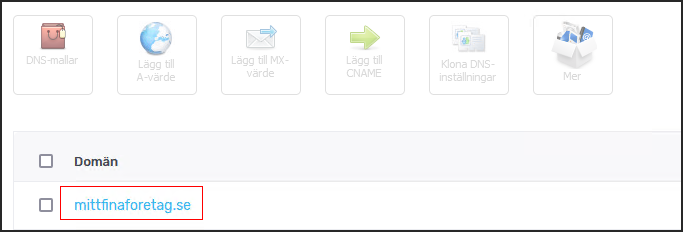
- Under the DNS service, click the domain in question — in our example "mittfinaforetag.se"
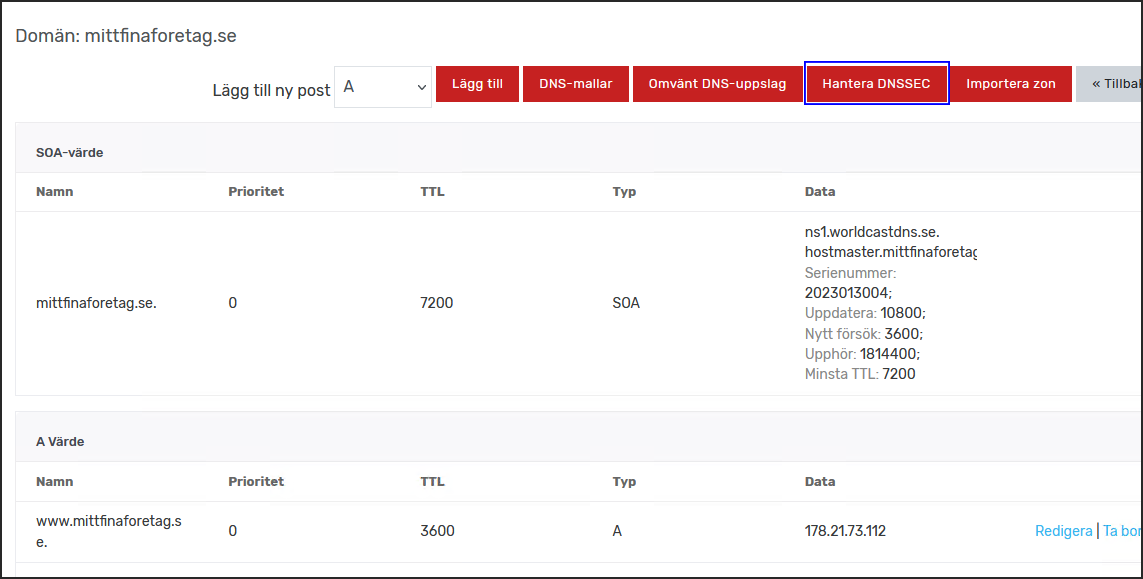
- Click "Hantera DNSSEC" in the top right
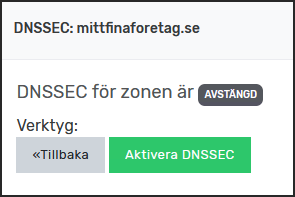
- Click the green button "Aktivera DNSSEC"
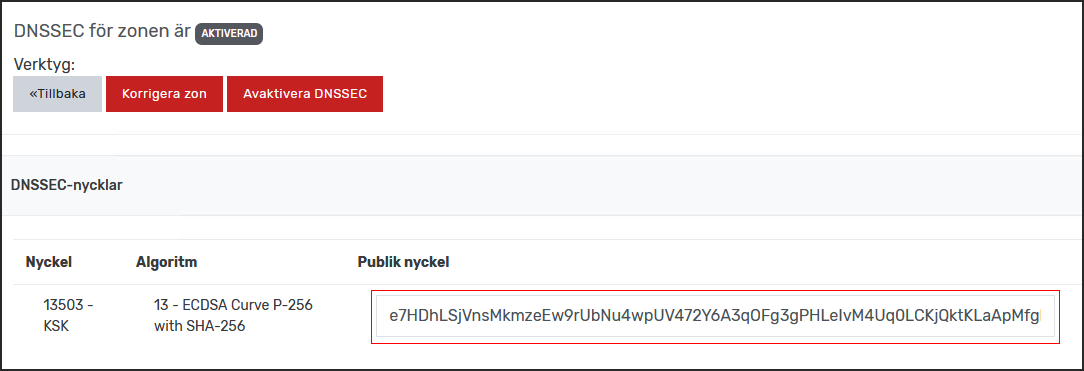
- Copy the code shown under "Public Nyckel"
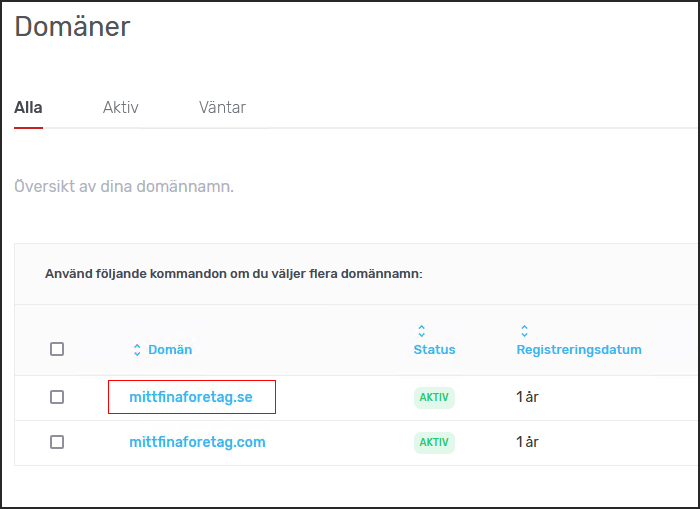
- Under "Tjänster" in the menu, click "Domäner" and select the domain in question (in our example "mittfinaforetag.se")
- Click "Hantera DNSSEC", then (1) paste the public key you copied and (2) click "Spara"
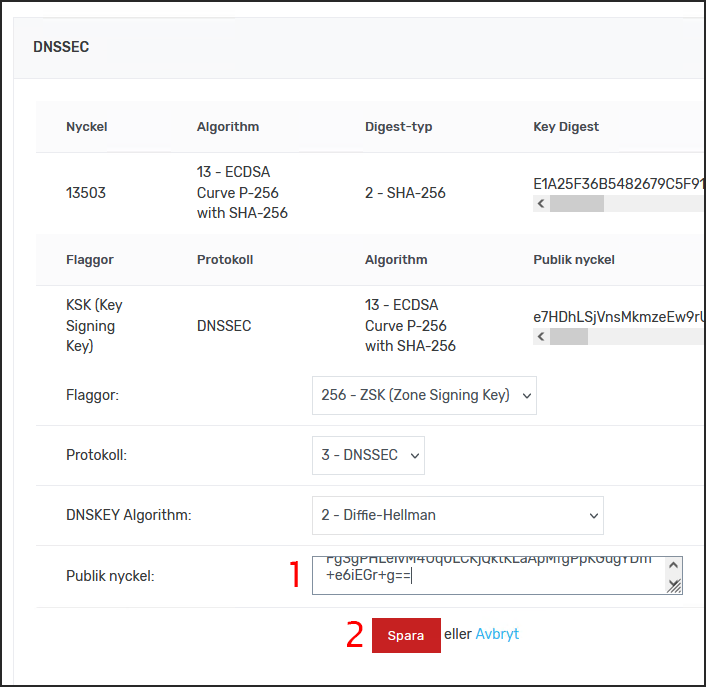
DNSSEC has now been added to your domain name.