Back to the knowledge base
To automatically forward emails to another address, you can use the "Forward" or "Forwarding" option.
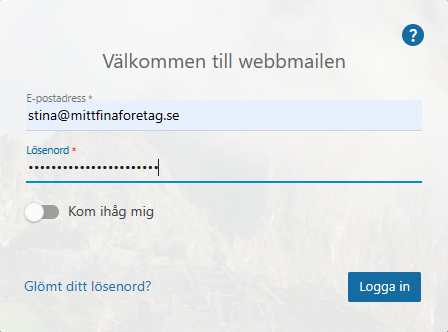
Log in to the webmail.
Click "More" and then "Settings" in the top menu. Then click "Account" in the left-hand menu, and a bit further down on the right you can configure "Forwarding".
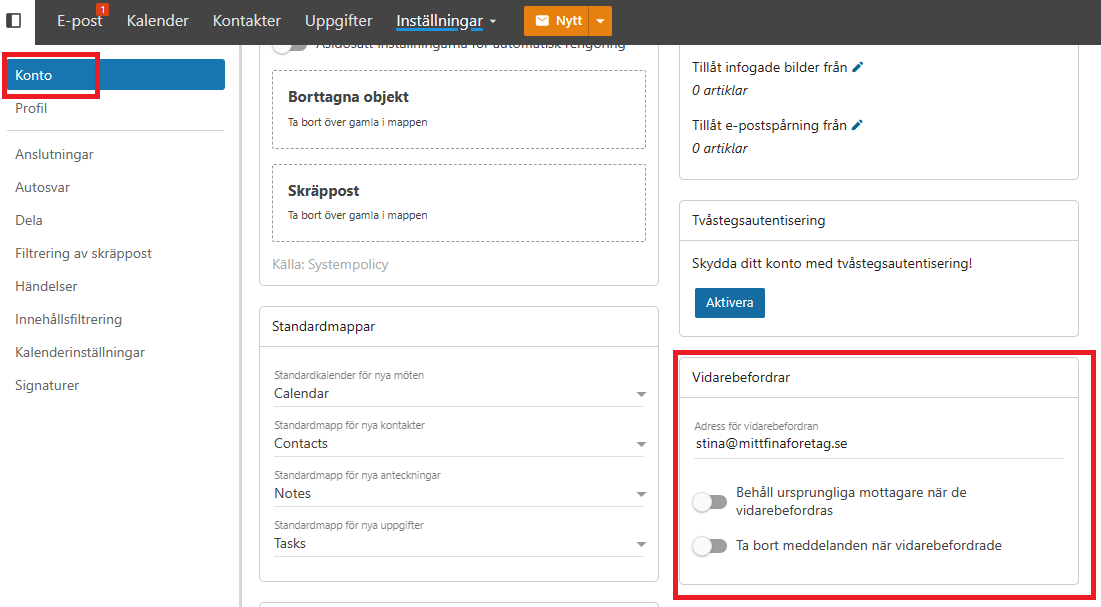
Enter the email address and choose whether the message should be deleted after forwarding. Then click save at the top of the page.
To forward to more than one email address, enter multiple addresses separated by a ",":
adress1@mittfinaforetag.se, adress2@mittfinaforetag.se