Back to the knowledge base
To transfer a domain under .com, .net, .org or .info, you need an authorisation code (auth key). When transferring, the domain is renewed for one year, which we will invoice you for. Follow the steps below.
- Start by requesting the authorisation code from your current provider (also known as an auth key or EPP code) and disable the domain lock (transfer lock).
- Visit our page and enter the domain name.
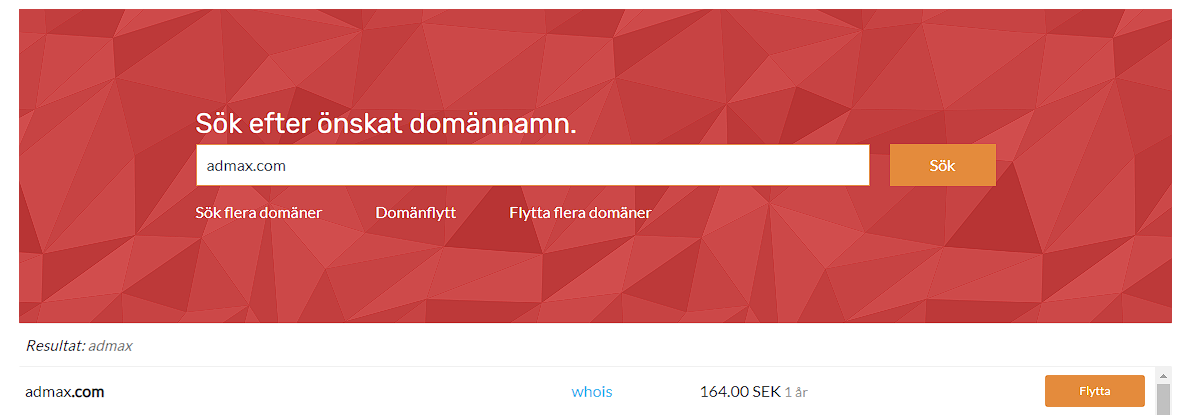
Then click "Flytta" next to your domain name and proceed with the order. - Enter the authorisation code and fill in the remaining details, such as name servers (if you wish to use your own), renewal period, and any additional services.
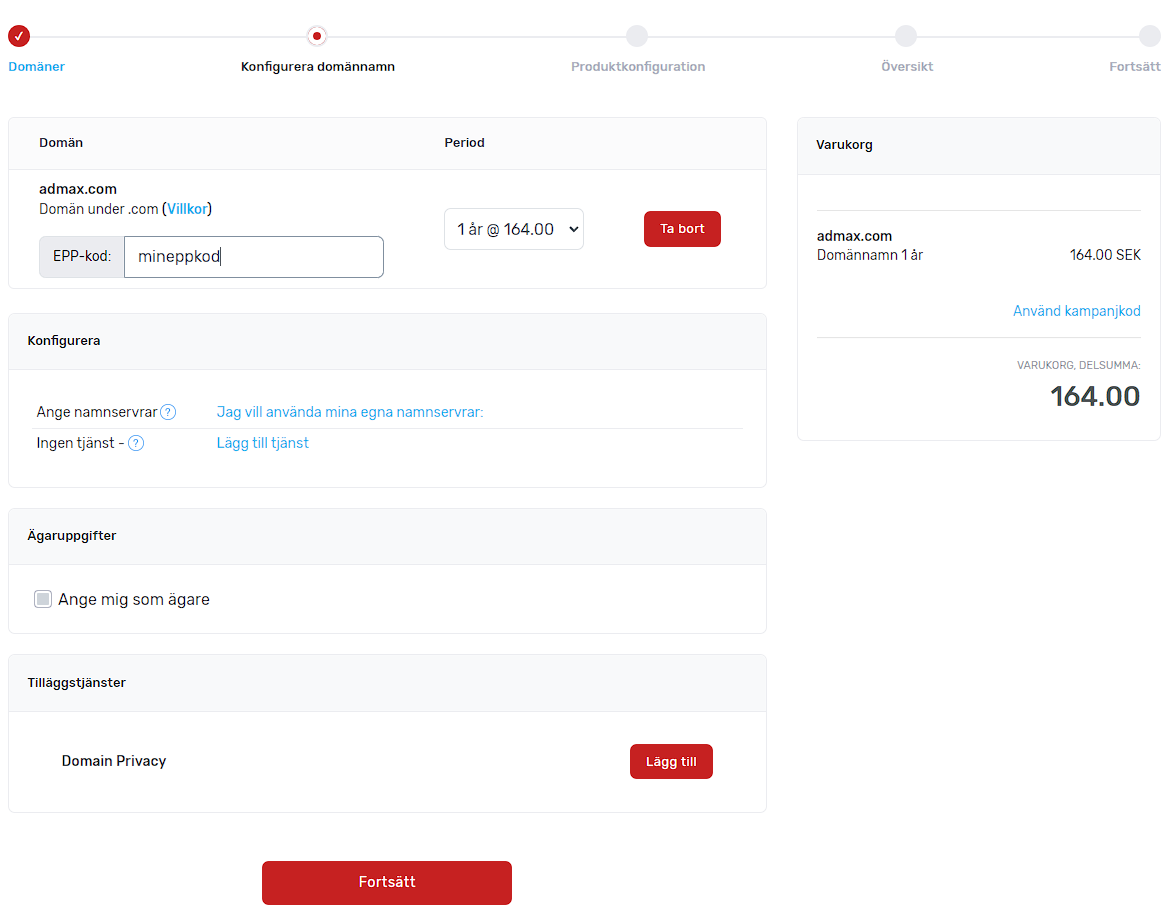
Click Continue. - Pay the invoice and make sure to confirm the transfer. Your current provider will normally send an email about this to the domain owner's email address.