There are different ways to move email from one provider to another, or between email clients. Below are two examples of how to do it.
The migration tool
Our webmail can import email from other providers. All you need are the account credentials from your old provider. Please note that this method does not always work for every provider.
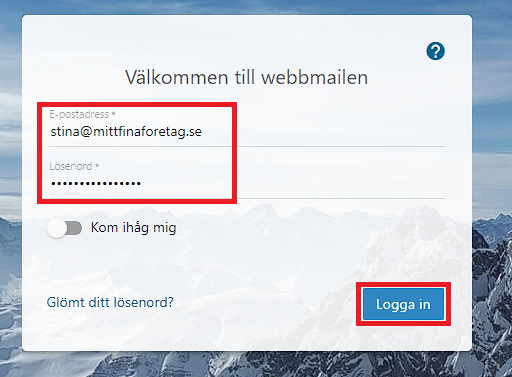
- Start by logging in to our webmail with the email address you want to import email to.
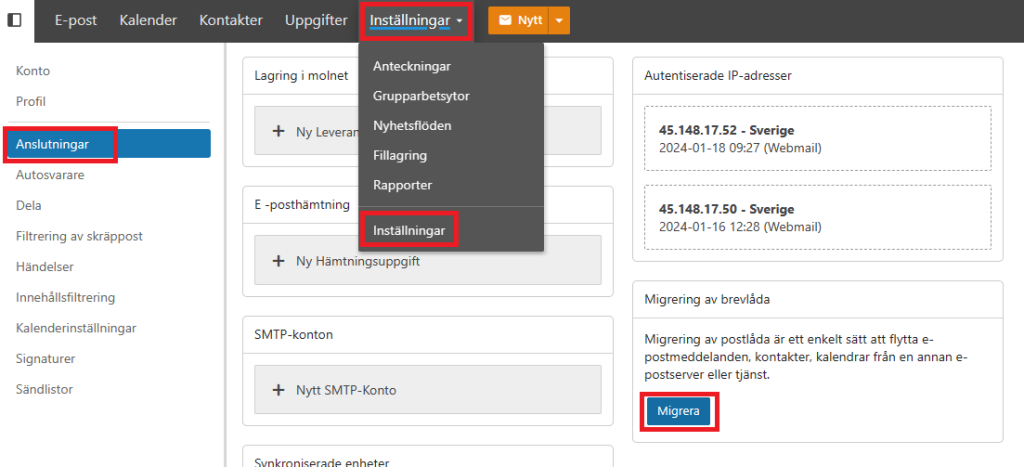
2. In the menu, go to Settings > Settings and then Connections on the right. Click the blue "Migrate" button.
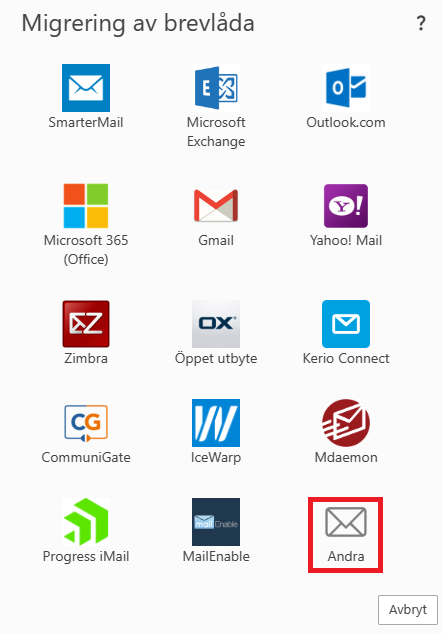
3. Choose "Other" at the bottom of the icons.
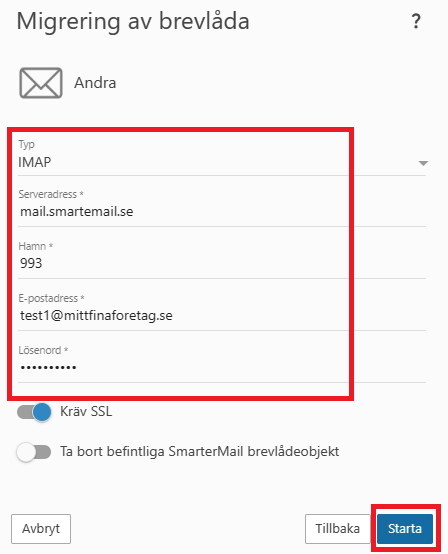
4. Enter the details for the mail server you want to fetch email from. Choose "IMAP" if you want to copy both folders and email. POP only retrieves email from the inbox. Click "Start" once you have filled in the details.
5. Depending on the amount and size of your email, this step may take varying amounts of time. If you have a lot of data, it can take several minutes to complete.
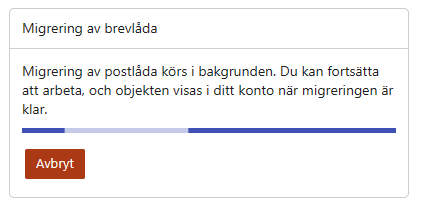
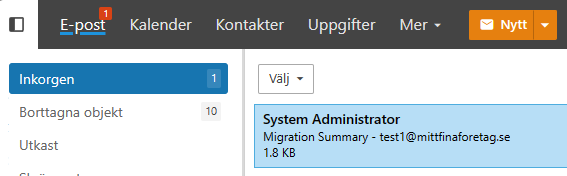
6. Once complete, you will see the imported messages and folders under the Email tab. A summary message about the migration will also appear.
Email client
Using your email client, where your old email account is set up, you can add the new account as an IMAP account and drag and drop messages from the old account to the new one.