Start by logging in to the control panel for your web hosting account. Once you're logged in, follow the steps below to navigate to the log management section.
Reviewing logs can give you useful information if you're experiencing a white screen, an error message on your website, or if certain features aren't working as expected.
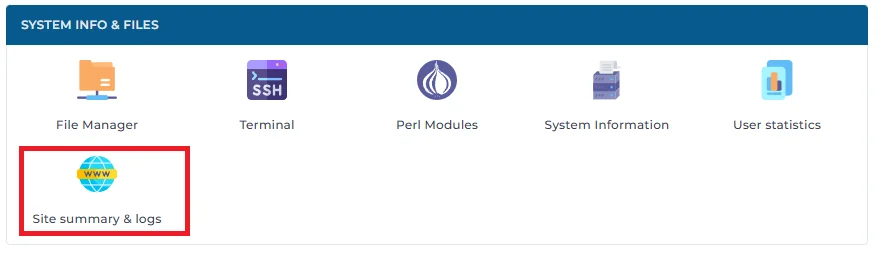
1. Start by clicking "Site Summary & logs".
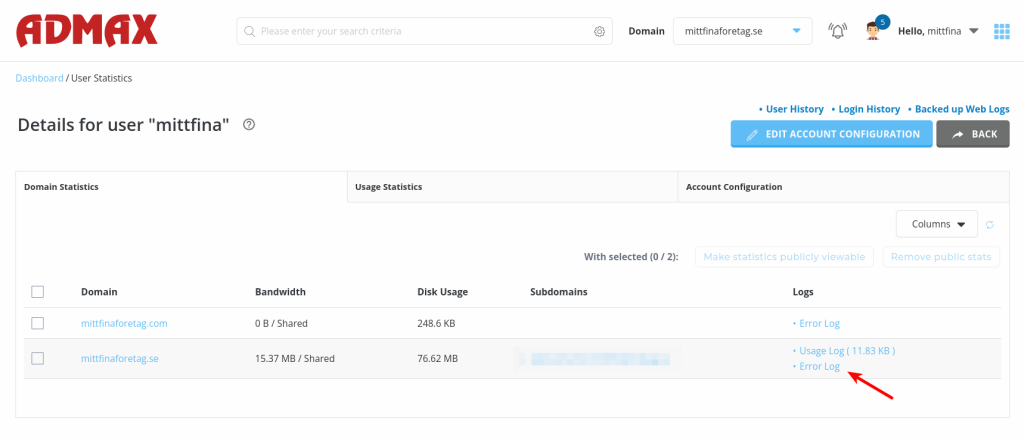
2. Click "Error Log" for the domain you want to troubleshoot. If you have several domains under your web hosting account, make sure you click the correct button for the right domain.
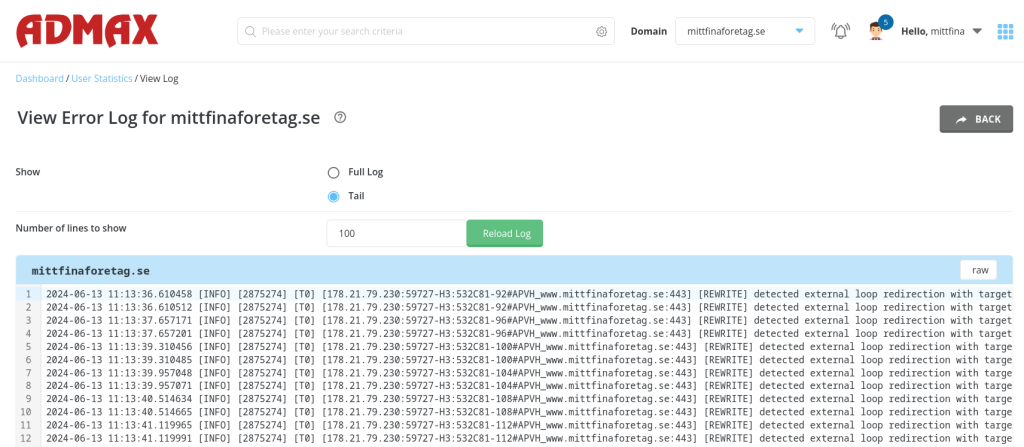
3. You can now view your logs and see what's causing the issue, then take the necessary steps to fix it.
If you're still having trouble, get in touch with our support team and we'll help you with any further troubleshooting.