Back to the knowledge base
Admax Hosting AB · web hosting in Sweden since 1996Published 16 September 2026
To use services that require a database, you first need to create one. Follow the steps below.
- To create a database, log in to the customer portal and select your web hosting account. In the menu, click "Databases" and you will see the following.
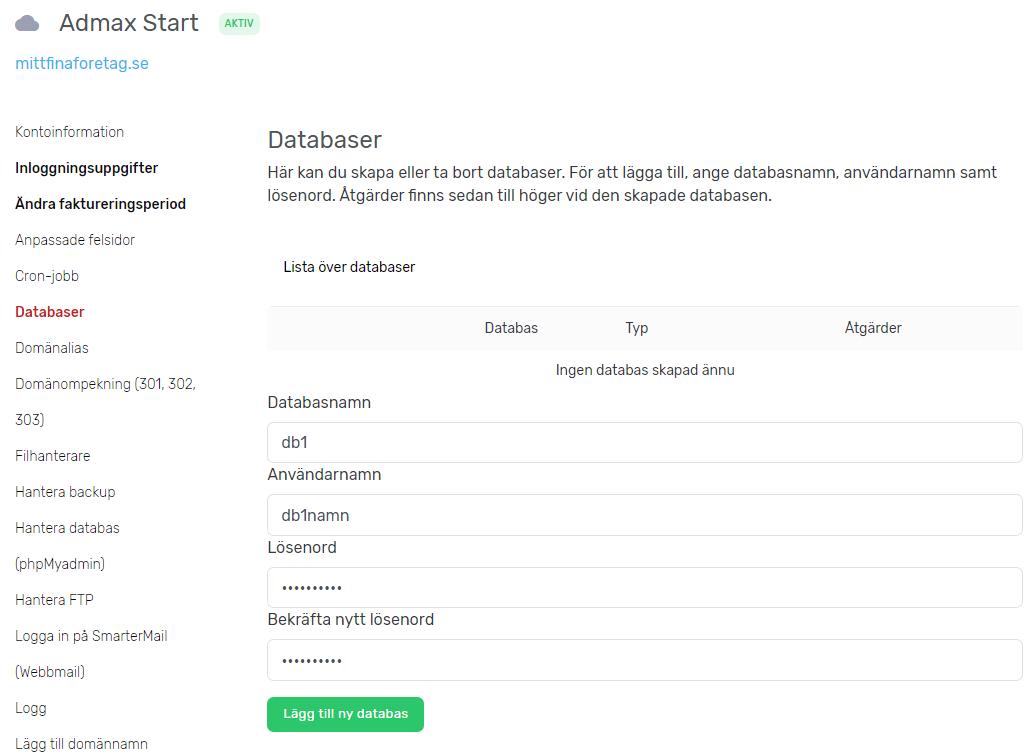
- Enter the database name, username and a password. Then click "Add new database" to create it. Make sure to save the details somewhere safe.
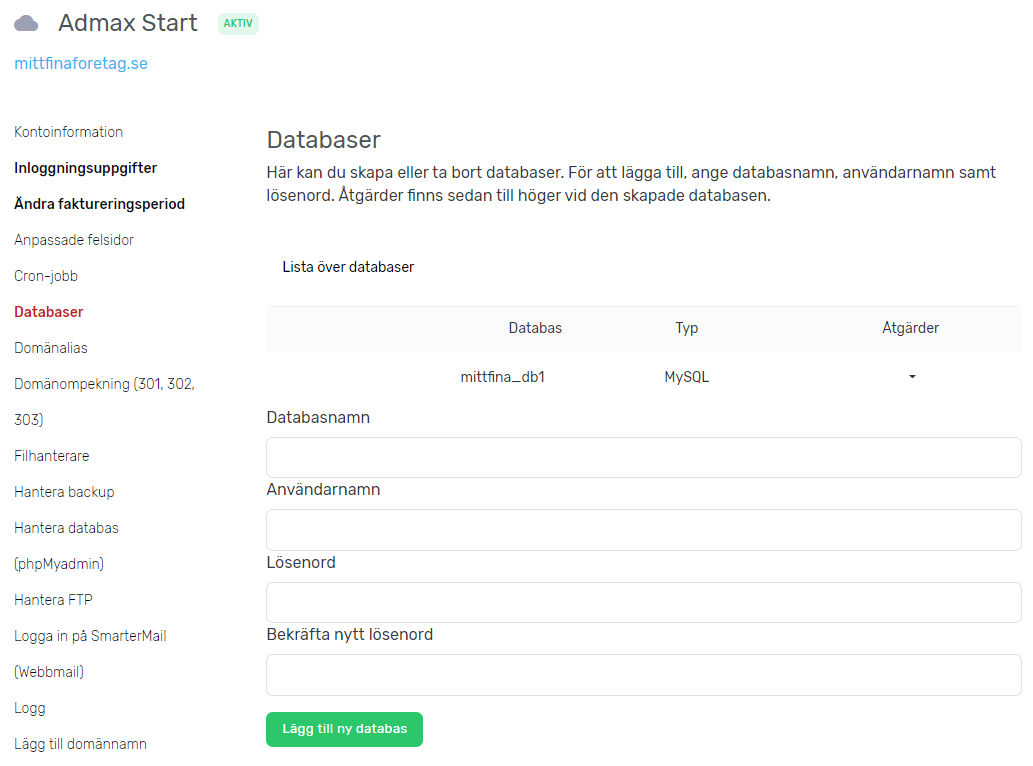
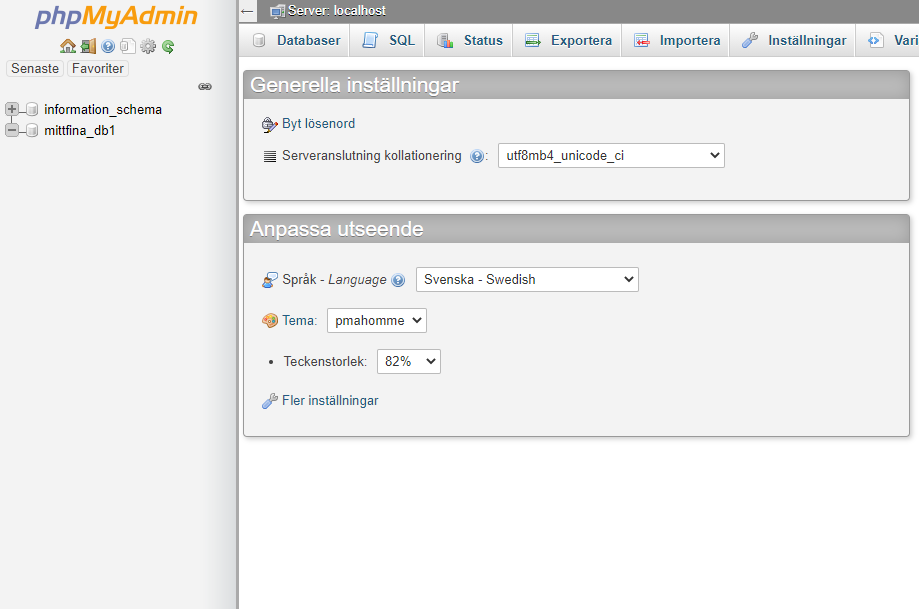
- The database is now ready to use. Connect any service to it, or log in to phpMyAdmin to import or edit the database. To access phpMyAdmin, click "Manage database (phpMyAdmin)" in the menu and log in with your username and password.