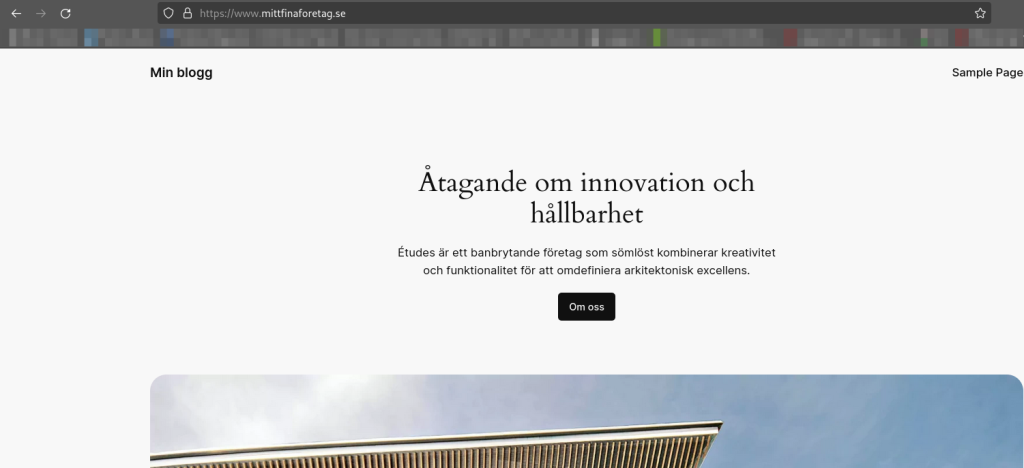
A white screen can be caused by several different issues. One of the most common reasons is that the website is running an outdated version of PHP. If the PHP version is not compatible with the code used on the site, it can result in the page not displaying correctly. To fix this, you may need to upgrade the PHP version via your web hosting control panel. Also check that all plugins and themes on your site are compatible with the new PHP version. If the problem persists, it may be worth reviewing the error messages in your server log, or contacting our support team for further assistance.
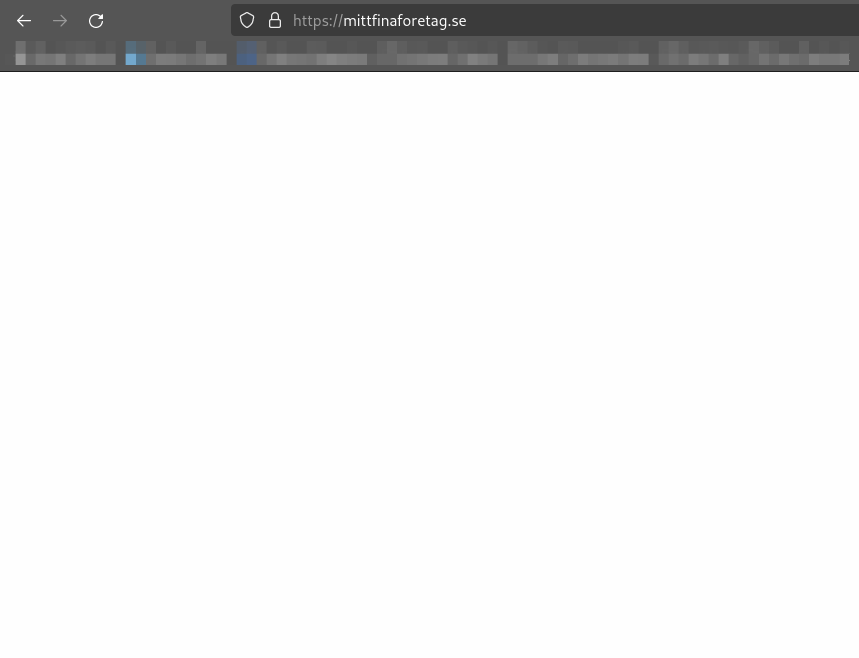
To resolve this, you can follow the guide below:
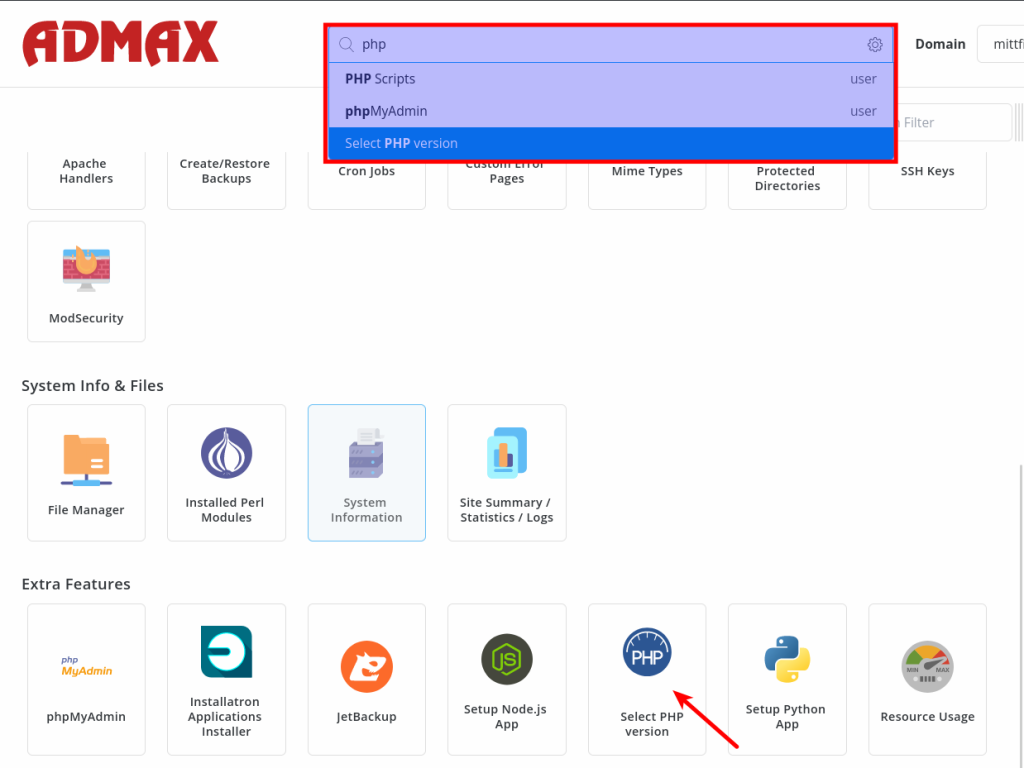
1. Start by logging in to your web hosting control panel. Search for "PHP" or scroll down manually on the page and click "Select PHP Version".
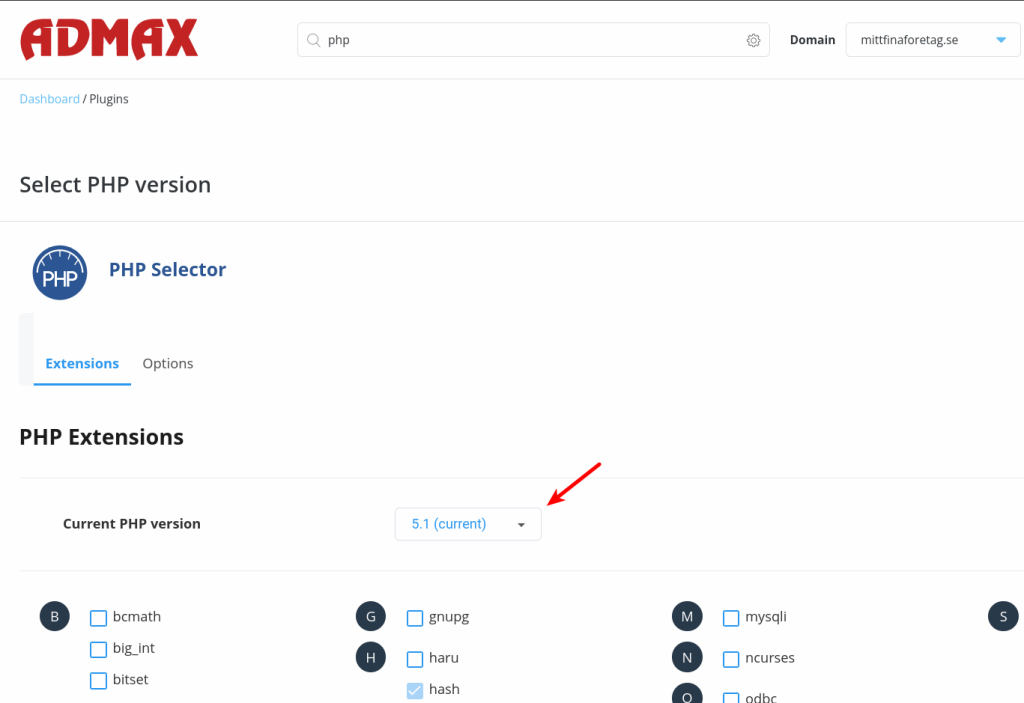
2. Click on the version marked as "(Current)" in the dropdown menu, select your desired PHP version, and then click "Apply".
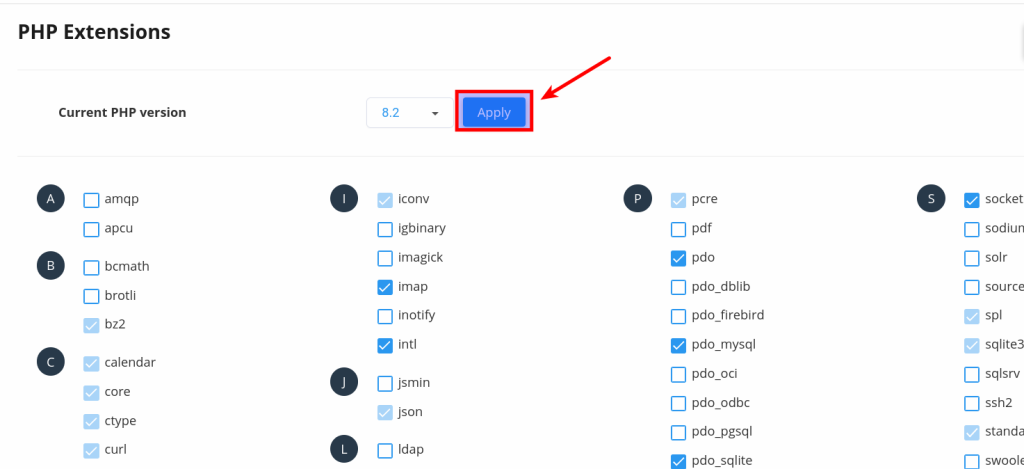
3. Done! Now check whether the site is working by visiting the address again.