Back to the knowledge base
Admax Hosting AB · web hosting in Sweden since 1996Updated 28 August 2026
Log in to DirectAdmin (the control panel) via the customer portal.
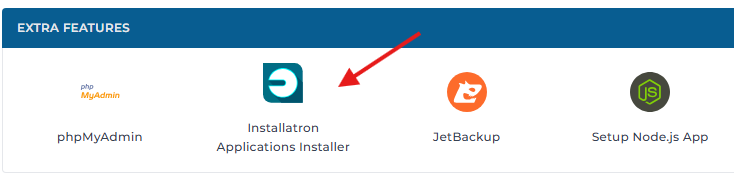
Go to "Extra Features" and select "Installatron Applications Installer" as shown in the image.
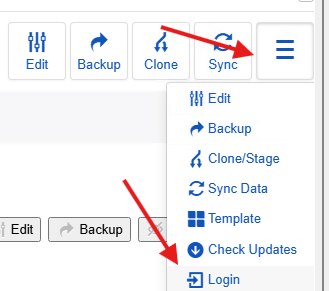
Click the menu icon on the far right for the relevant site and select 'Login'.
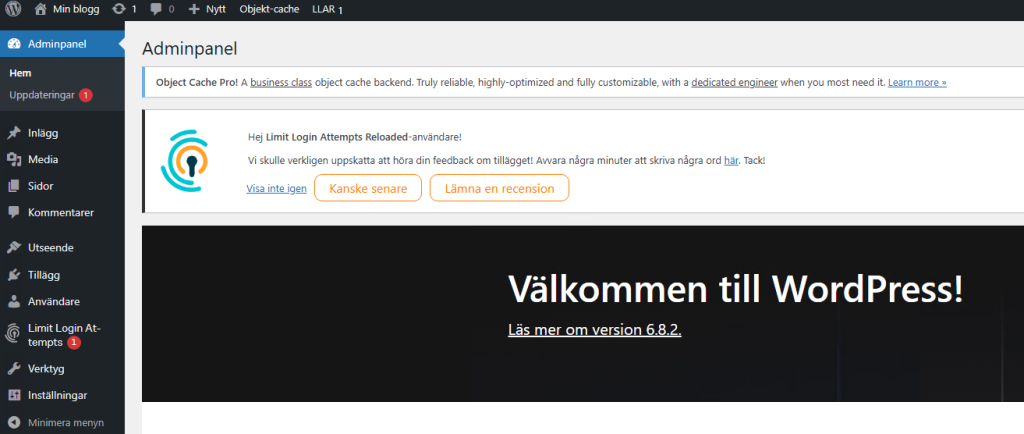
Once you click 'Login', you'll be taken straight into WordPress and can get started.