Back to the knowledge base

Admax Hosting AB · web hosting in Sweden since 1996Updated 28 August 2026
As we include free SSL with all our web hosting plans, it's useful to know how to enable SSL in WordPress. Follow the steps below.
Log in to your website (yourdomain.com/wp-admin).
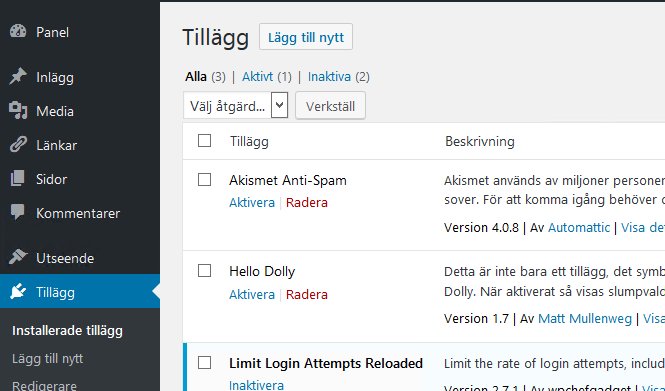
Go to "Plugins" and click "Add new".
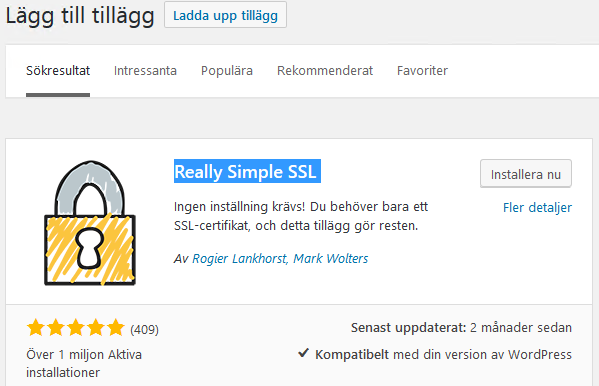
Search for SSL and in this case select "Really Simple SSL", then click "Install now".
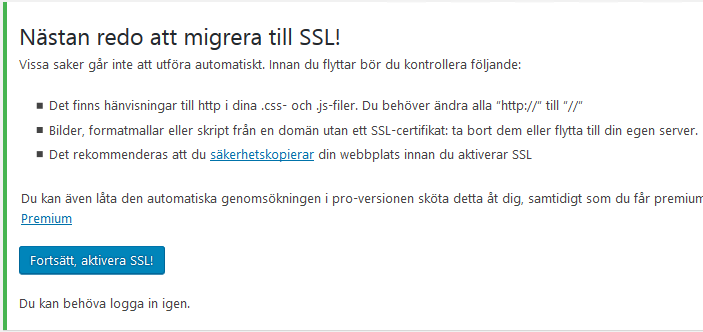
Once installed, click "Activate" and you will see the following. Click "Go ahead, activate SSL!".
Done!