Back to the knowledge base
Admax Hosting AB · web hosting in Sweden since 1996Published 16 September 2026
We include a free Let's Encrypt certificate for all our customers.
To activate it, your domain must first point to the web server (ww02.admax.se). Once it does, you can enable the SSL certificate as follows.
- Start by logging in to sc01.admax.se
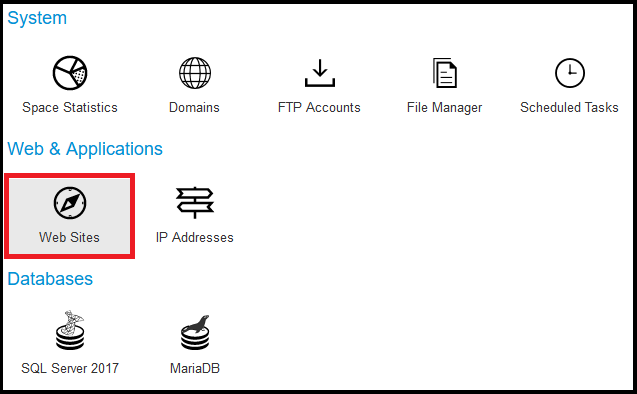
- Under "Hosting Space Menu", click "Web Sites"
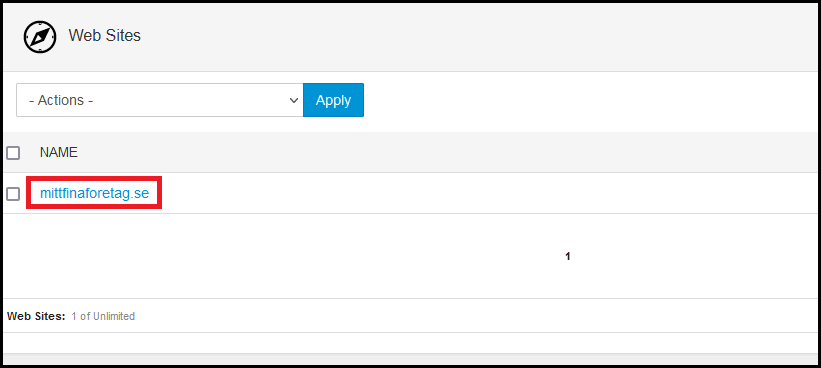
- Click the domain name in question — in our example, mittfinaforetag.se
- Click the SSL tab on the right, then under "Install (free) Lets Encrypt Certificate" click the blue "Install Certificate" button
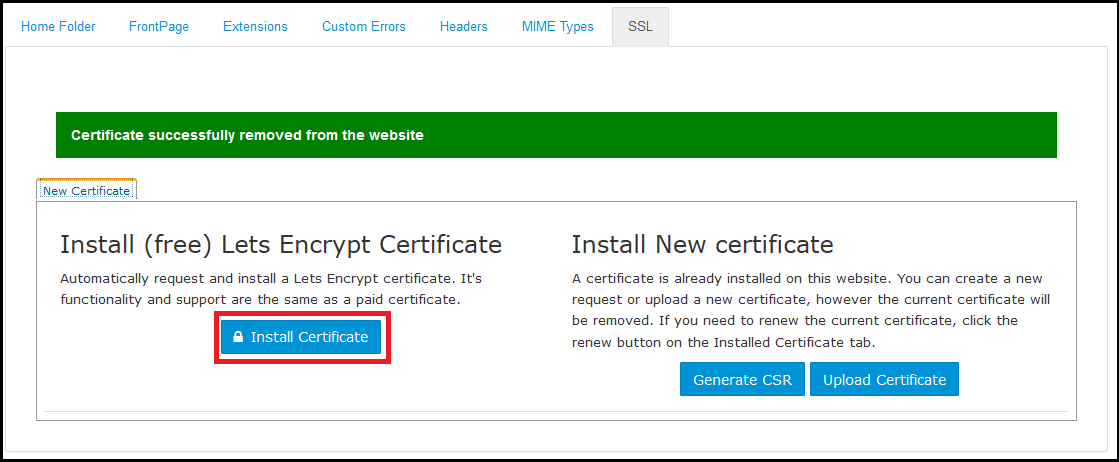
- Give it a moment to process and you will then see the green confirmation: "LetsEncrypt Certificate successfully installed on website".

Once this is done, it may take a short while before the certificate is active on your website, but it usually happens fairly quickly.