Back to the knowledge base
Admax Hosting AB · web hosting in Sweden since 1996Published 31 March 2026
Here's how to add your email account in Microsoft Outlook.
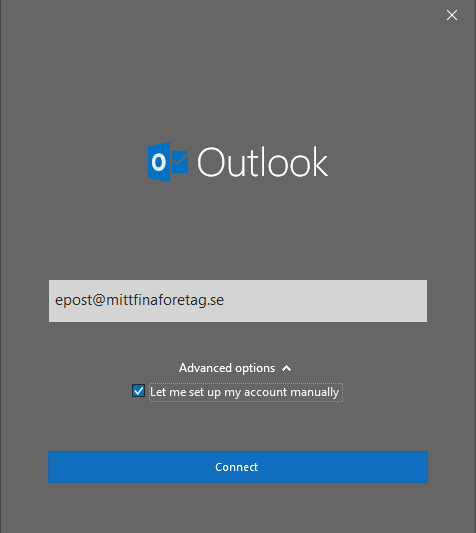
- Open Outlook. The first time you open it, a box appears where you enter your email address and tick "Let me set up my account manually". Click "Connect".
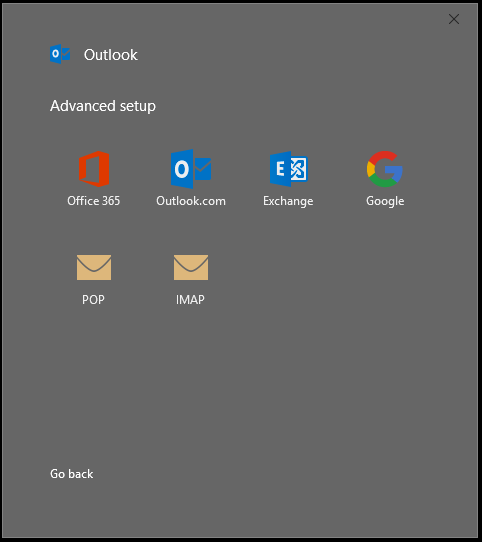
- On the next page, choose the account type. In this case, select IMAP.
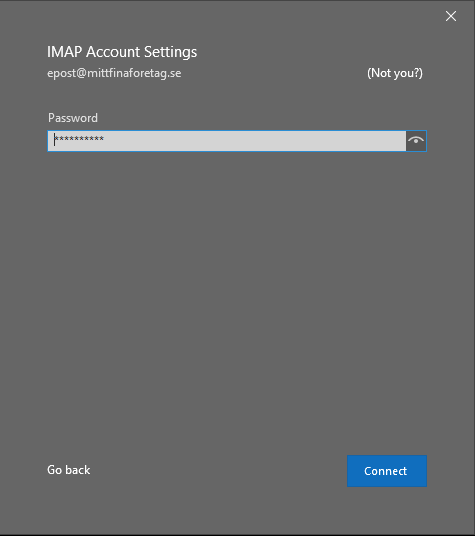
- Enter your password and click "Connect".
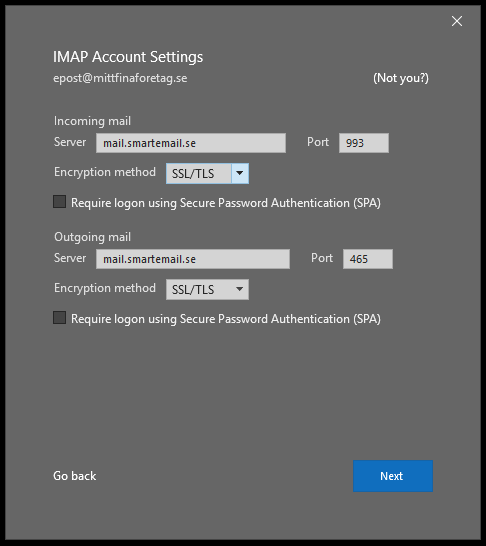
- Enter the details for your incoming and outgoing mail server. Click "Next".
- Your settings will now be verified.
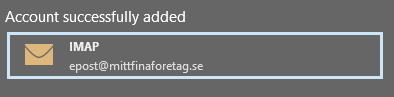
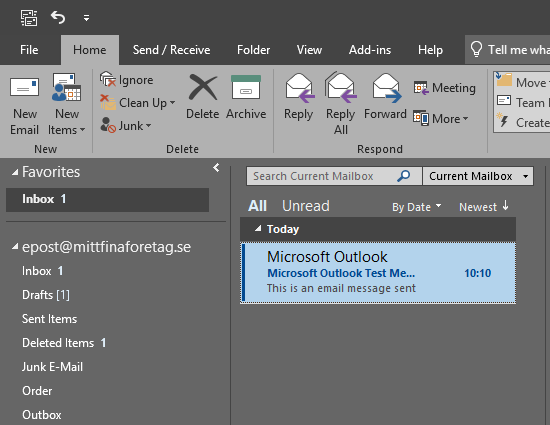
- All done — click "Done" and you're ready to start using your email.