Admax Hosting AB · web hosting in Sweden since 1996Published 31 March 2026
How to add an email account in Thunderbird.
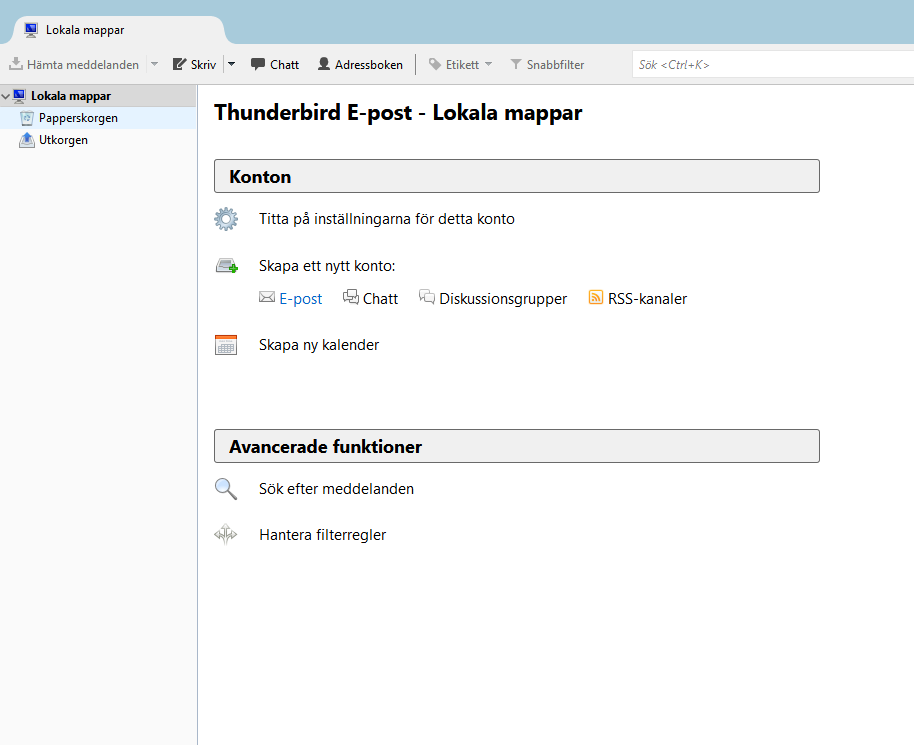
Open the application and click on Email under "Create a new account".
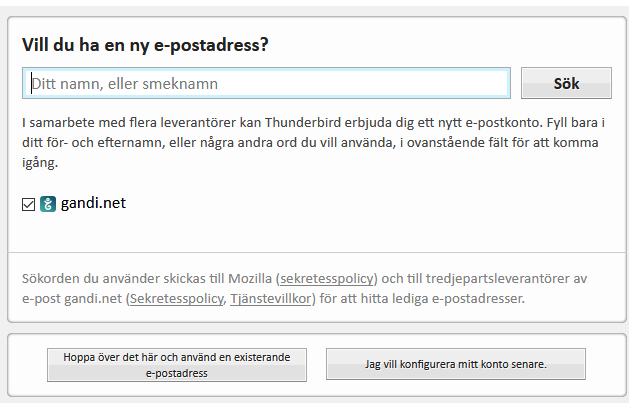
2. Click "Skip this and use an existing email address".
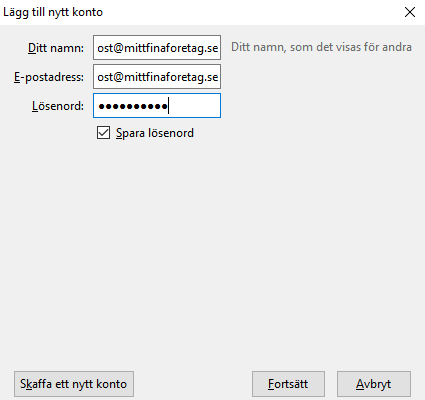
3. Enter your email address and password. Then click "Continue" and select "Manual configuration".
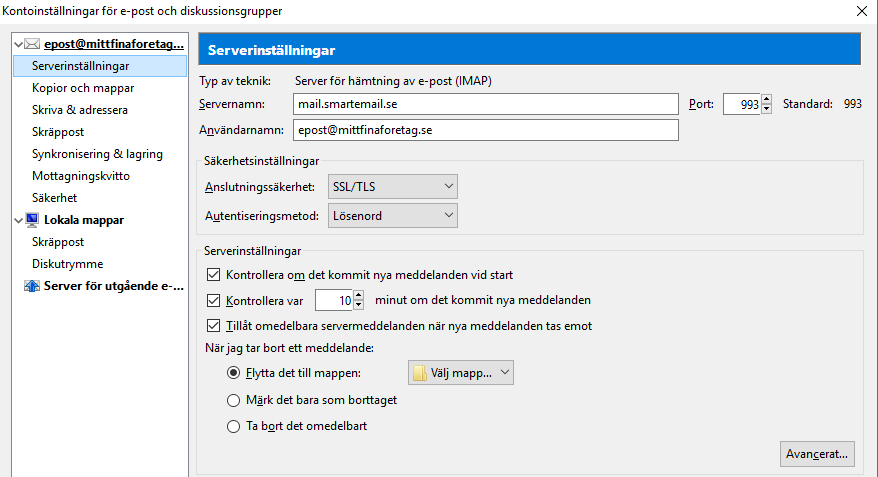
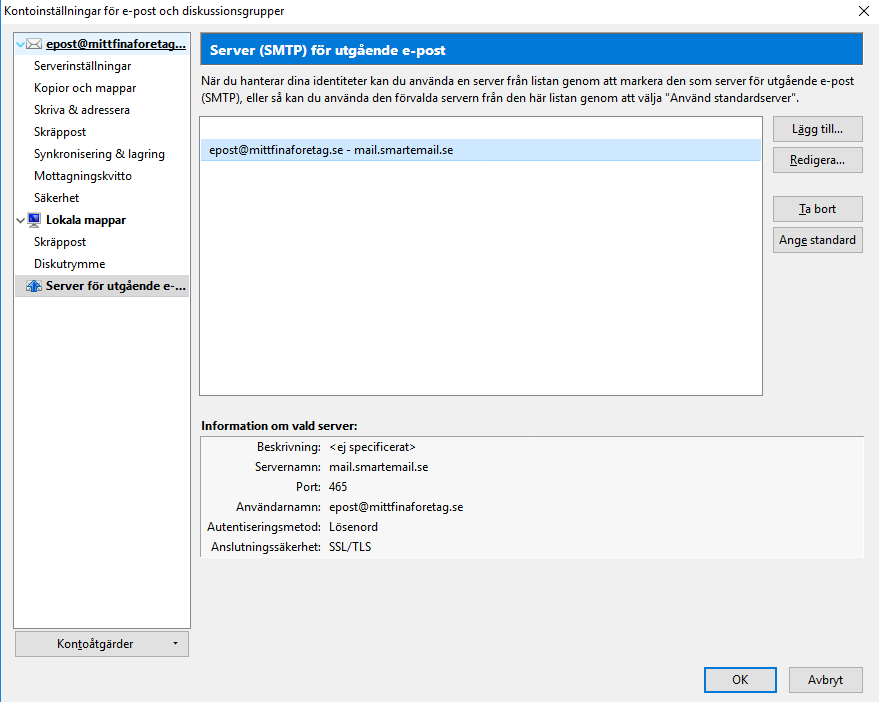
4. Here you enter the details for your incoming and outgoing server (IMAP/POP and SMTP). The settings shown in the image below use SSL. If SSL is not used, the ports should be 110 for POP, 143 for IMAP, and 2500 for SMTP. Then click "Done".
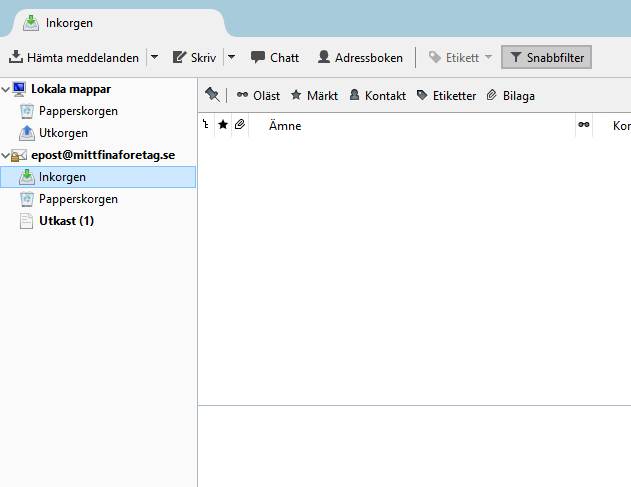
5. That's it!
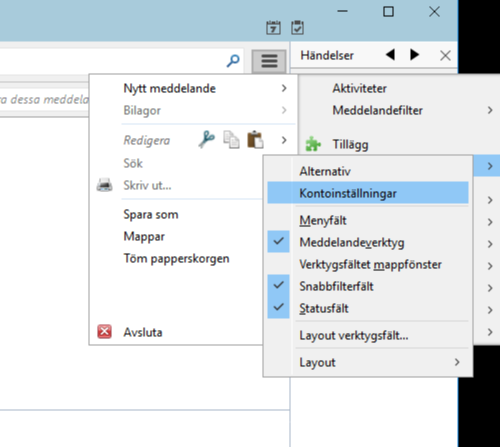
If you later need to edit your incoming or outgoing server settings, navigate to "Account settings" under "Options".
Incoming and outgoing settings can be edited as shown in the images below.