Back to the knowledge base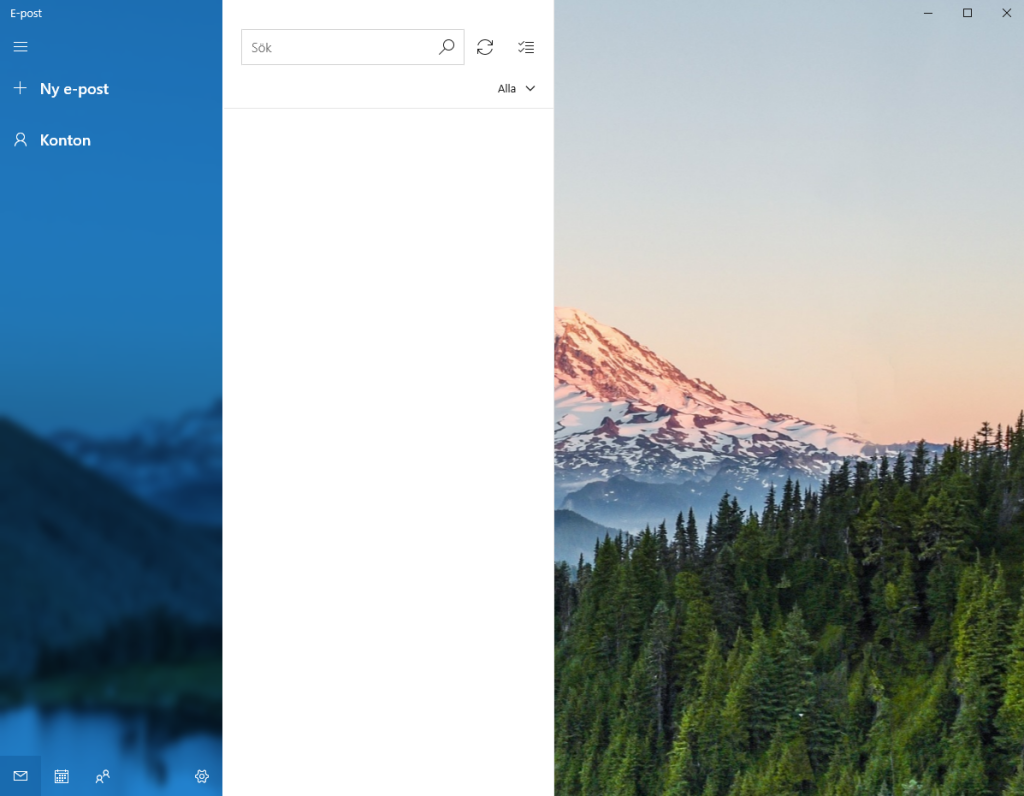
Admax Hosting AB · web hosting in Sweden since 1996Published 31 March 2026
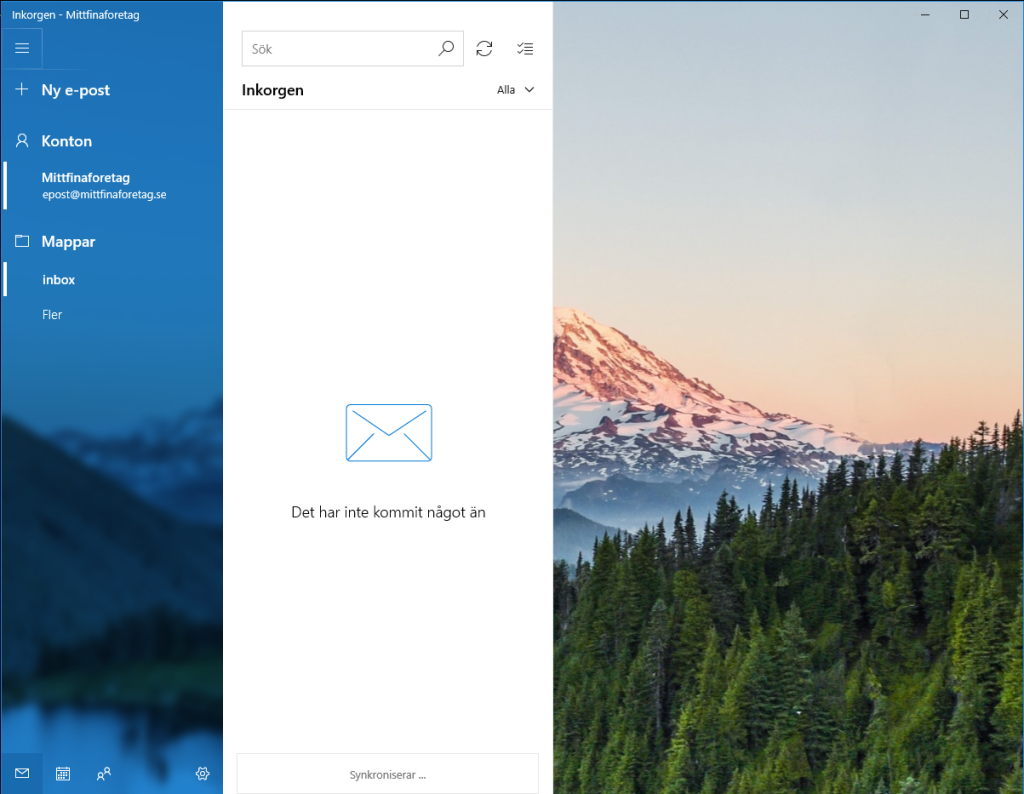
To add an email account in the Mail app in Windows 11, open the app and follow the steps below. This also works in Windows 10.
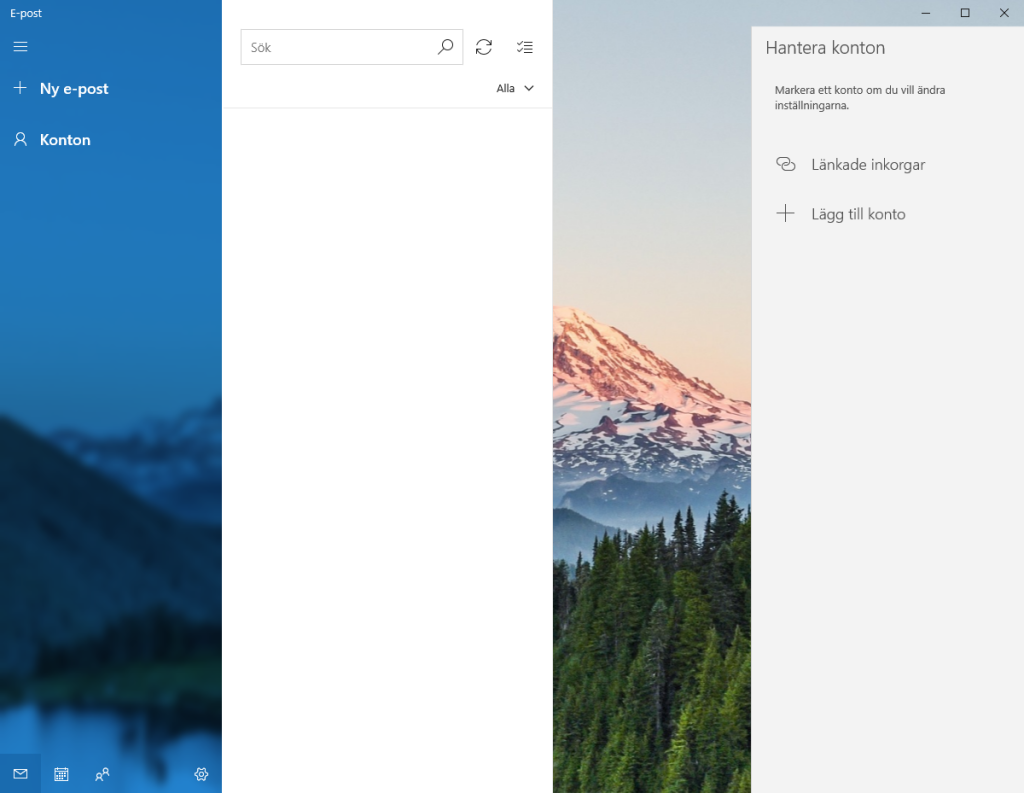
- Open the app and click "Accounts".
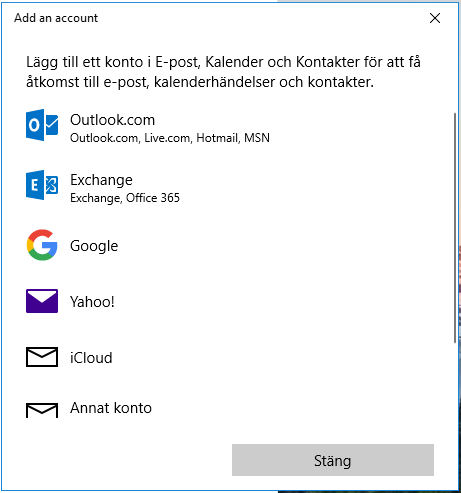
- Click "Add account".
- Select "Other account".
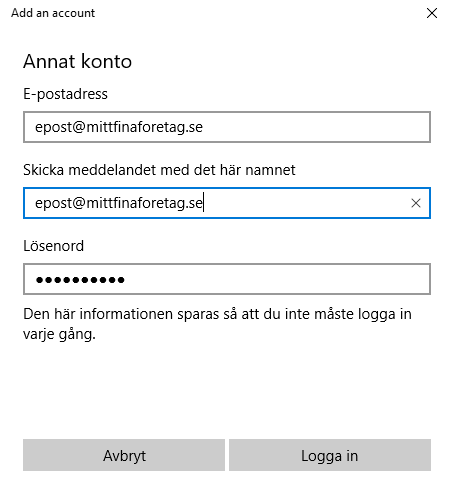
- Enter your email address and password, then click "Sign in".
- That's it — you're ready to start using your email.