Back to the knowledge base
Admax Hosting AB · web hosting in Sweden since 1996Published 31 March 2026
As an administrator, you can log in to webmail and create new email accounts for your domain.
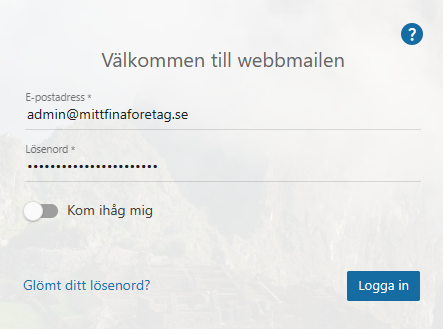
- Log in as administrator.
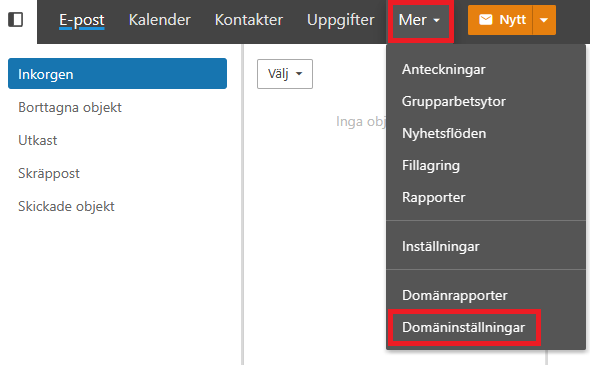
- Click "More" in the menu, then "Domain settings".
- Under accounts (the left-hand menu) and the "Users" tab, click "New" and fill in:
Username (the part before @ only)
Password
Confirm password
Please note that the password must meet the password requirements. When you're done, click "Save".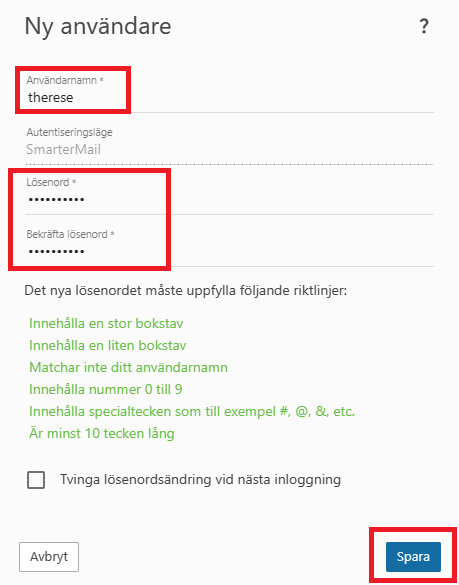
- The email account is now created and ready to use!