Back to the knowledge base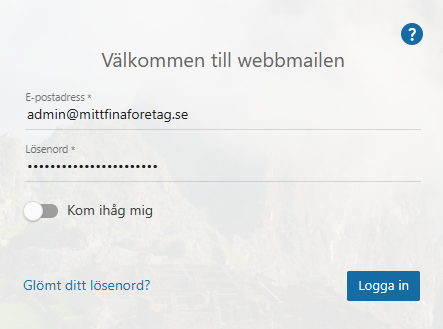
Admax Hosting AB · web hosting in Sweden since 1996Updated 15 October 2026
To delete an email address, you need to log in as an administrator in webmail.
Start by logging in as an administrator in webmail.
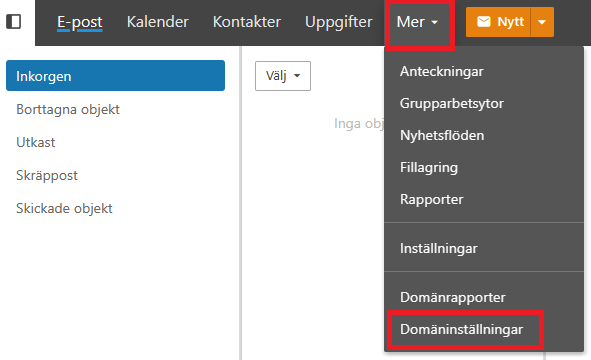
In the menu, click "More" and "Domain settings".
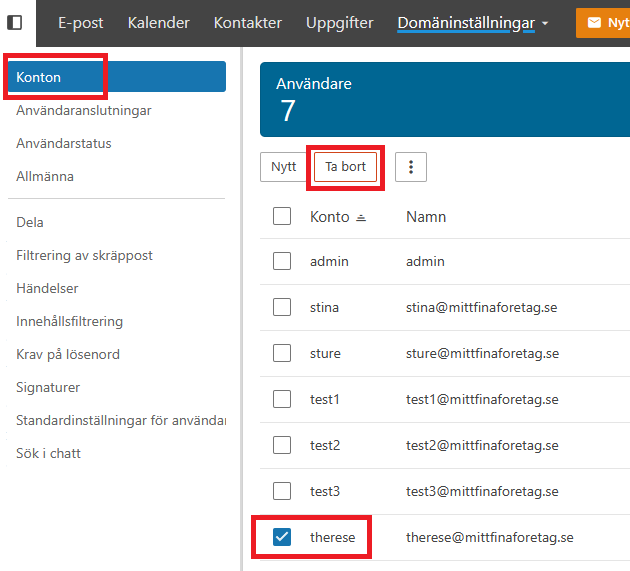
Under "Accounts" and the "Users" tab, tick the address you want to delete and click the "Delete" button. In this example, we are deleting the email address therese@mittfinaforetag.se. Please note that all emails, contacts and calendars associated with that account will be permanently removed.
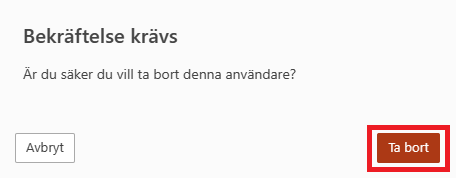
Click "Delete" to confirm, or choose "Cancel" if you have changed your mind.