Back to the knowledge base
Admax Hosting AB · web hosting in Sweden since 1996Published 31 March 2026
There are two ways to change the password on an email account:
- Log in as an administrator in webmail and change the password for one or more users.
- Log in as a user in webmail and change your own password.
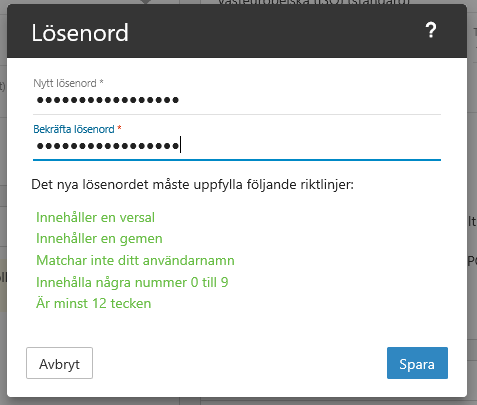
The password must meet the following requirements: uppercase letter, lowercase letter, number, special character, and at least 10 characters long.
As an administrator
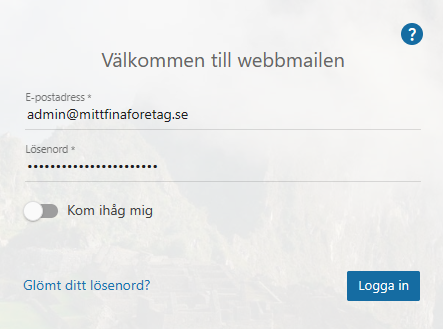
- Log in to webmail.
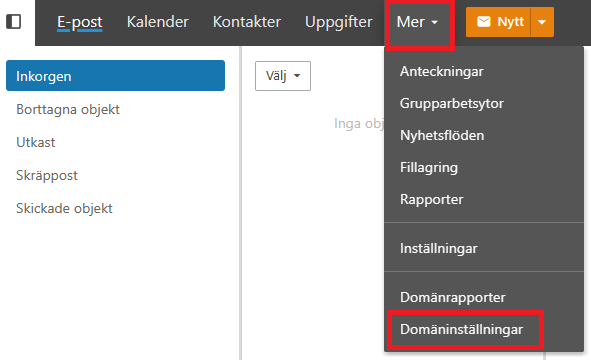
- Click "More" in the top menu, then "Domain settings".
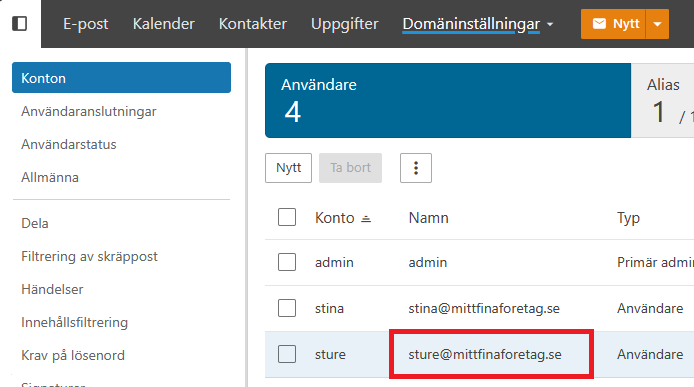
- Under "Accounts" and "Users", click the email address you want to update.
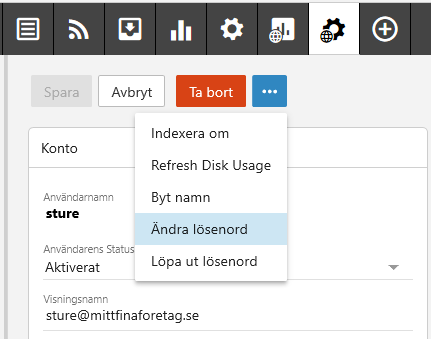
- On the next page, which shows account information, click the three dots and then "Change password".
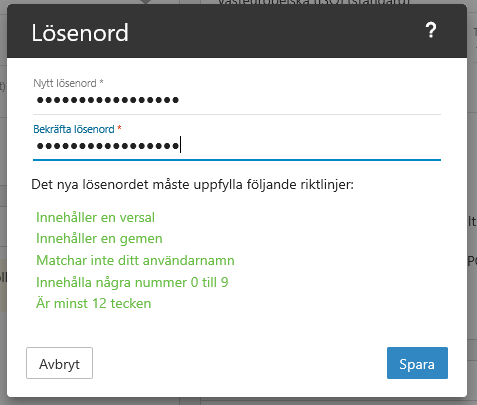
- Enter the new password, making sure it meets the password requirements. Click "Save" and you're done.
As a user
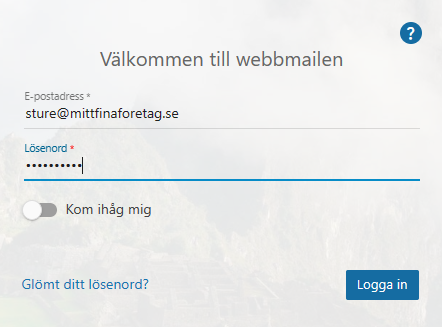
- Log in to webmail as the user.
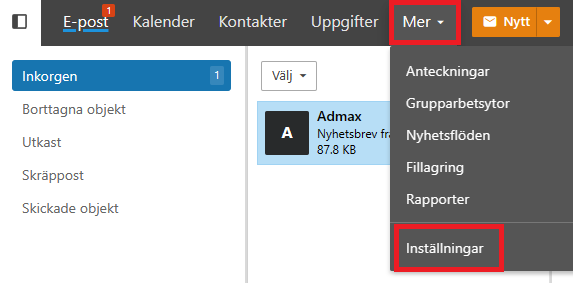
- Click "More" in the top menu, then "Settings".
- Under "Accounts", click "Change password".
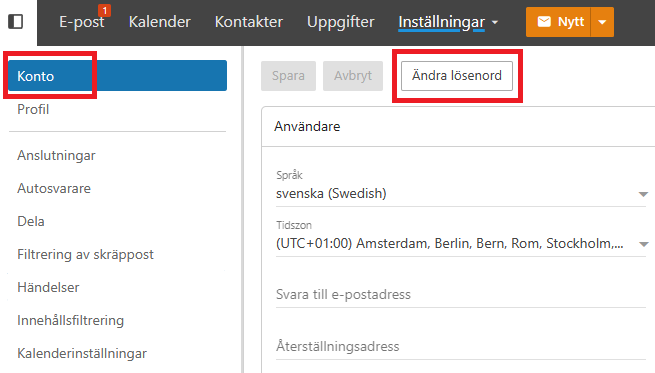
- Enter the new password, making sure it meets the password requirements. Click "Save" and you're done.