Back to the knowledge base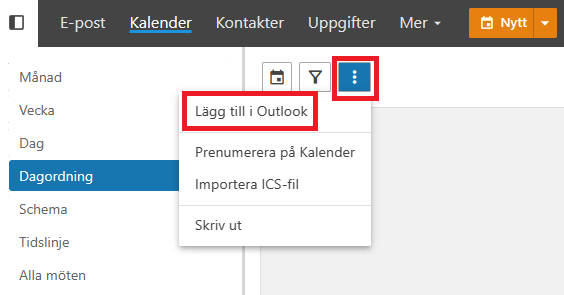
Admax Hosting AB · web hosting in Sweden since 1996Updated 15 October 2026
To sync your webmail calendar with Outlook, follow the steps below:
Visit our webmail at https://mail.smartemail.se and log in to your email account.
In the menu, click on "Calendar", press the three-dots button and select "Add to Outlook" from the small menu.
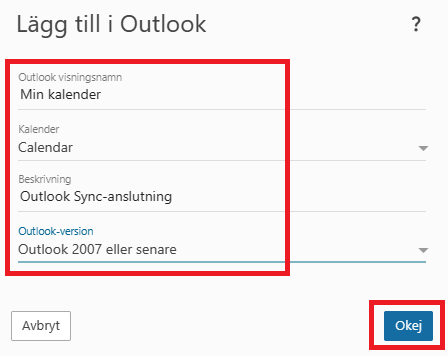
Give it a name of your choice and select which calendar you want to sync with, then press "OK".
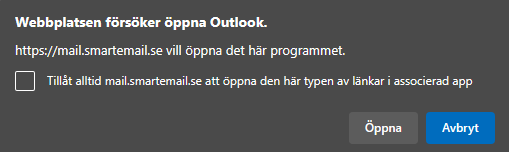
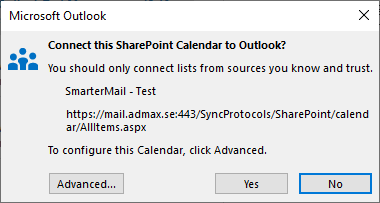
A prompt will appear asking you to allow your email client to open.
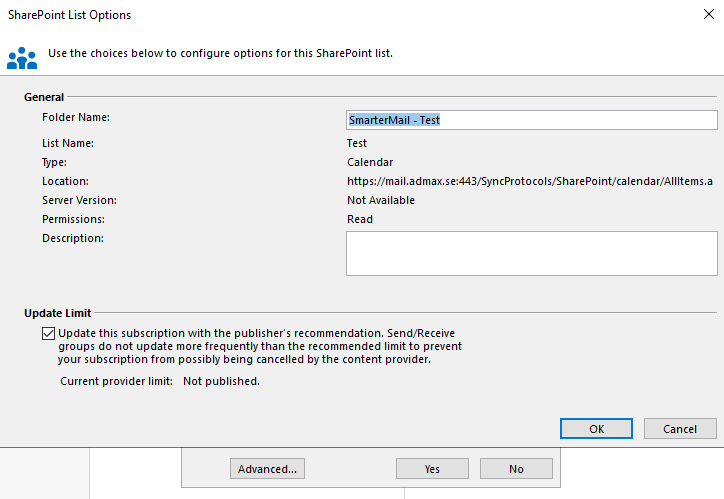
For more settings, you can check "Advanced" and press "OK", otherwise just press "Yes".
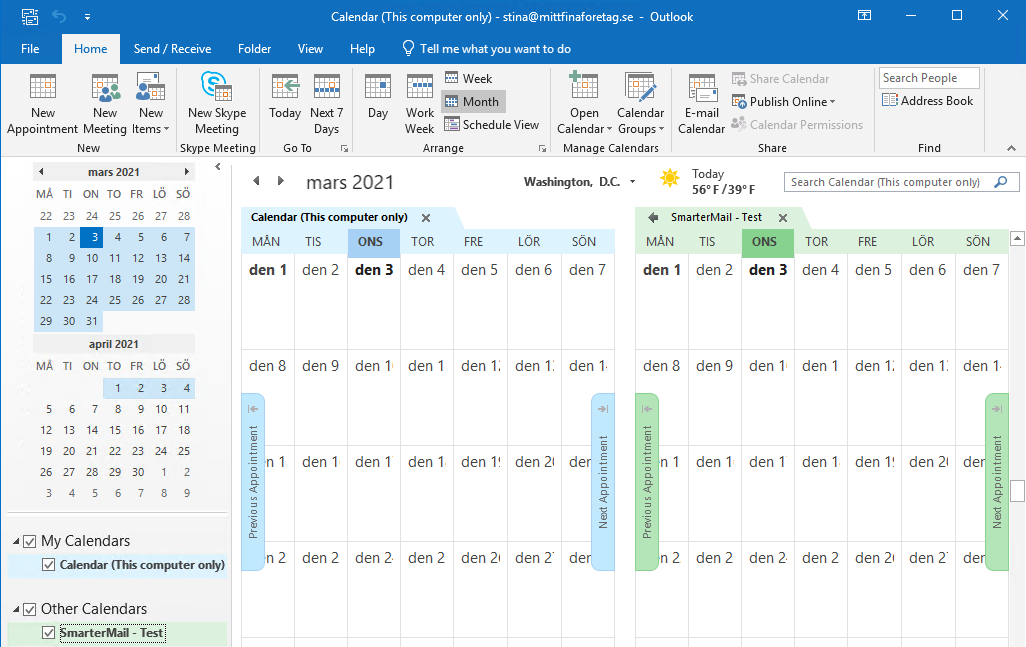
Once you've pressed "Yes", the setup is complete and you can view your calendar in Outlook.