Back to the knowledge base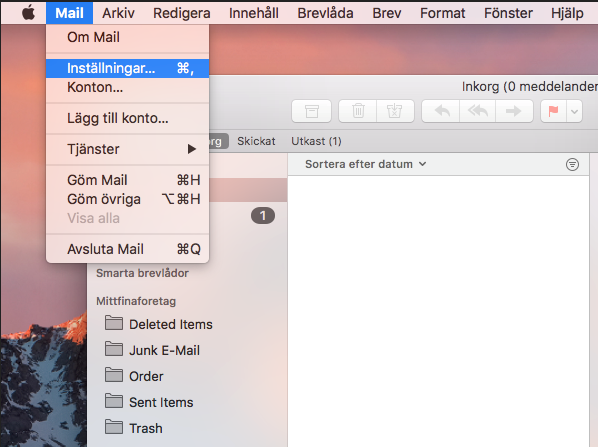
Admax Hosting AB · web hosting in Sweden since 1996Published 31 March 2026
To remove an email account from the application, open it and select Preferences from the menu.
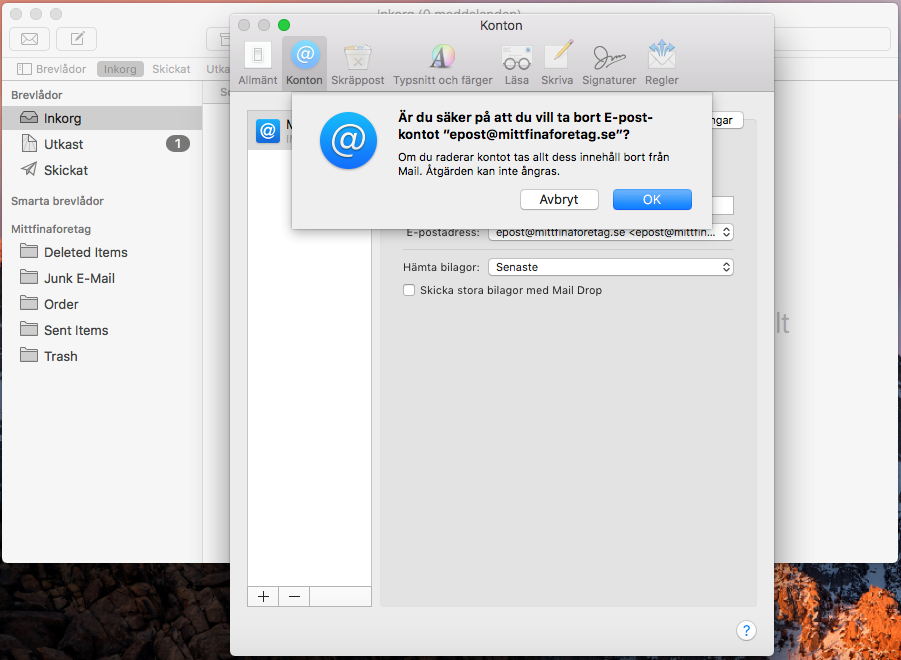
Under Accounts, select the email account you want to remove and click the minus sign. You will be asked to confirm the removal. Click "OK".