Back to the knowledge base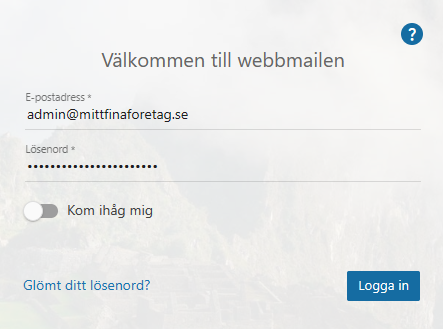
Admax Hosting AB · web hosting in Sweden since 1996Published 31 March 2026
To create an alias, you need to log in as the domain administrator for the domain in question.
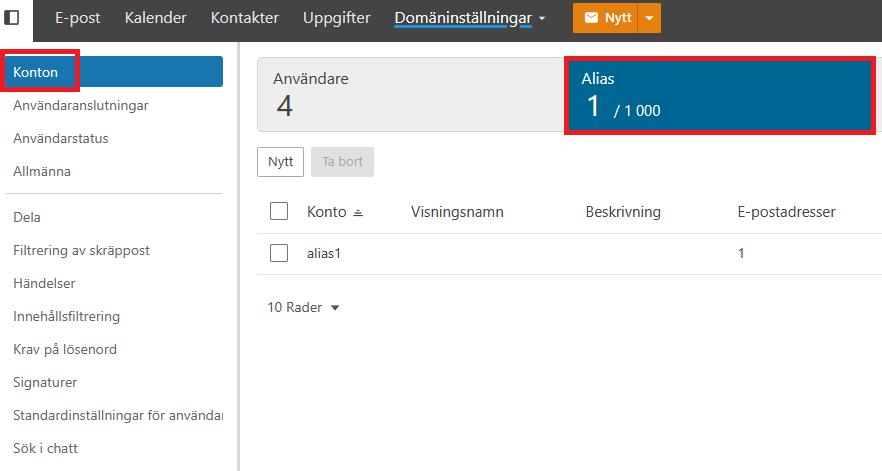
Then click "More" and "Domain settings" in the top menu. Under "Accounts", click the "Aliases" tab.
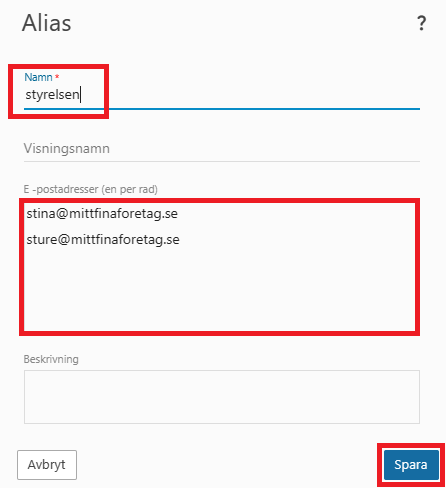
We're going to create an alias for "styrelsen@mittfinabolag.se" with two members: Stina and Sture. Click "New" and enter the details.
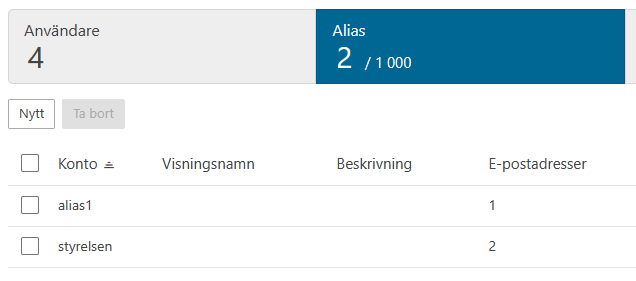
Finish by clicking "Save" and the alias is ready. When a message is sent to styrelsen@mittfinaforetag.se, it will be forwarded to both Stina and Sture.