Back to the knowledge base
Admax Hosting AB · web hosting in Sweden since 1996Published 31 March 2026
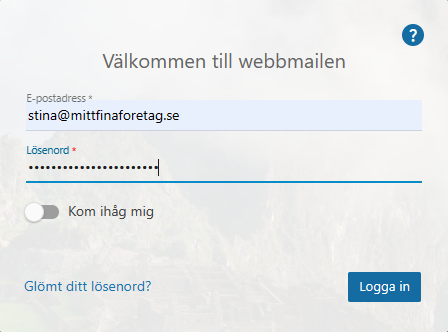
To enable an auto-reply for an email address, you first need to log in via webmail.
Once logged in, click "More" and "Settings" in the top menu, then "Auto-reply" in the left-hand menu. If it is not enabled, you need to activate it under the "Options" tab on the right.
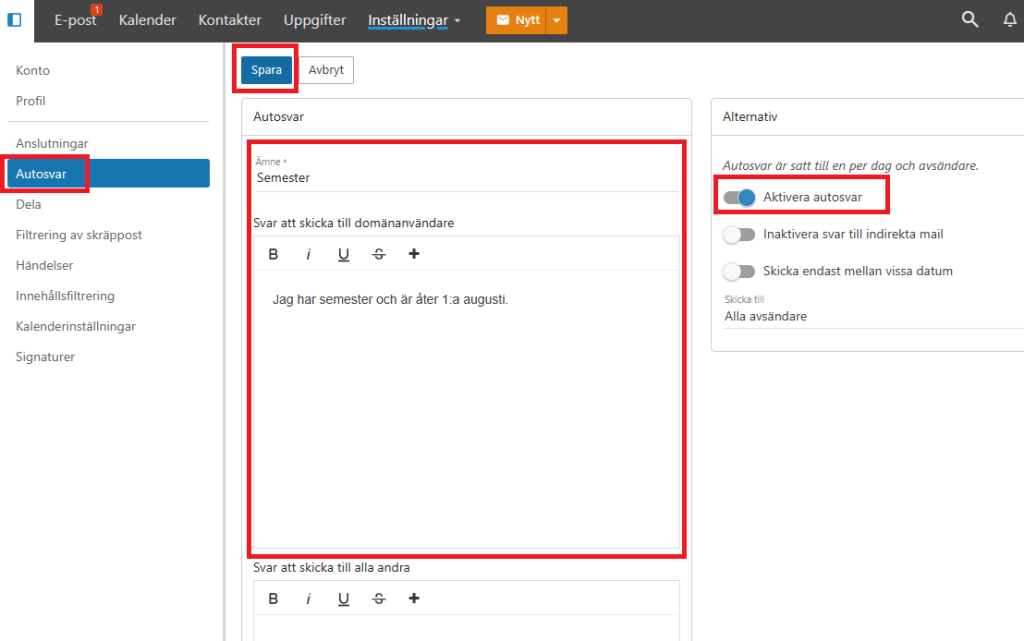
Write your message and optionally configure "Options". Then click "Save" and your auto-reply is active.