Back to the knowledge base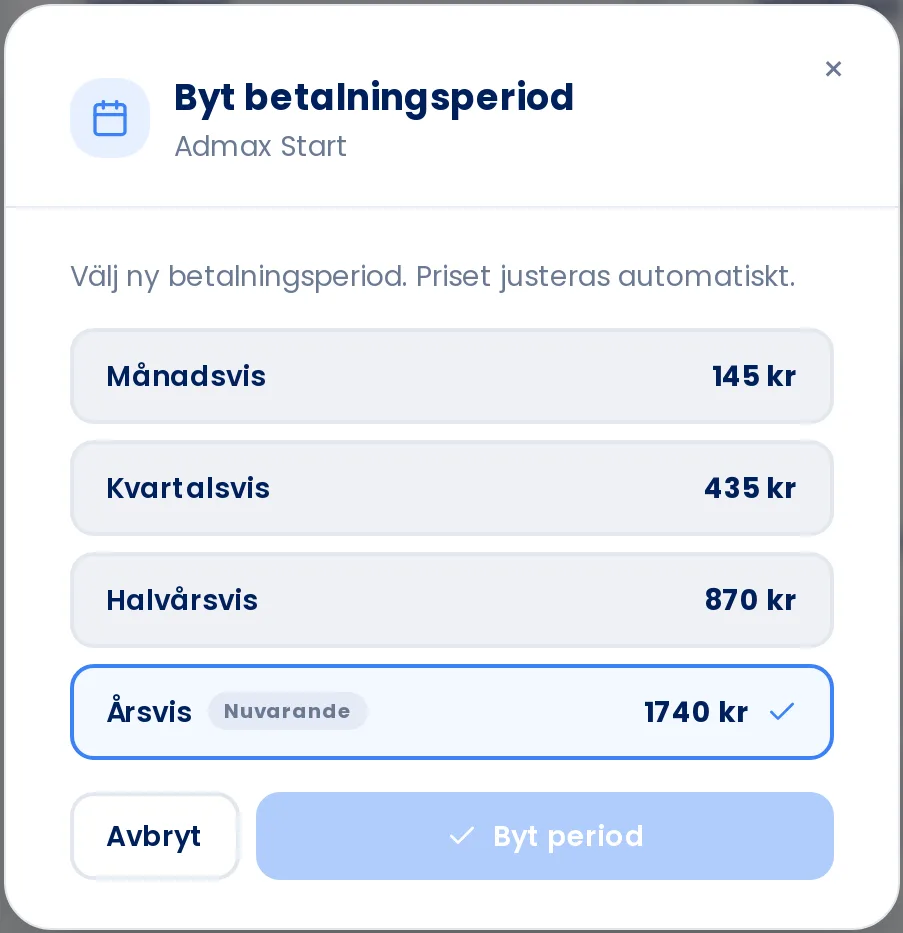
The price is adjusted automatically based on the period you select.
Admax Hosting AB · web hosting in Sweden since 1996Updated 6 October 2026
You choose whether to pay for a service monthly, quarterly, half-yearly, or annually. Longer periods usually mean a lower price per month.
- Open the service under Web hosting, VPS, or Email in the menu.
- Click the period next to the renewal date, for example Annually.
- Select a new period. The price for each period is shown on the right, and your current period is marked with Current.
- Click Change period.
If you are a contact on someone else's account, you need billing permissions to change the period.