Back to the knowledge base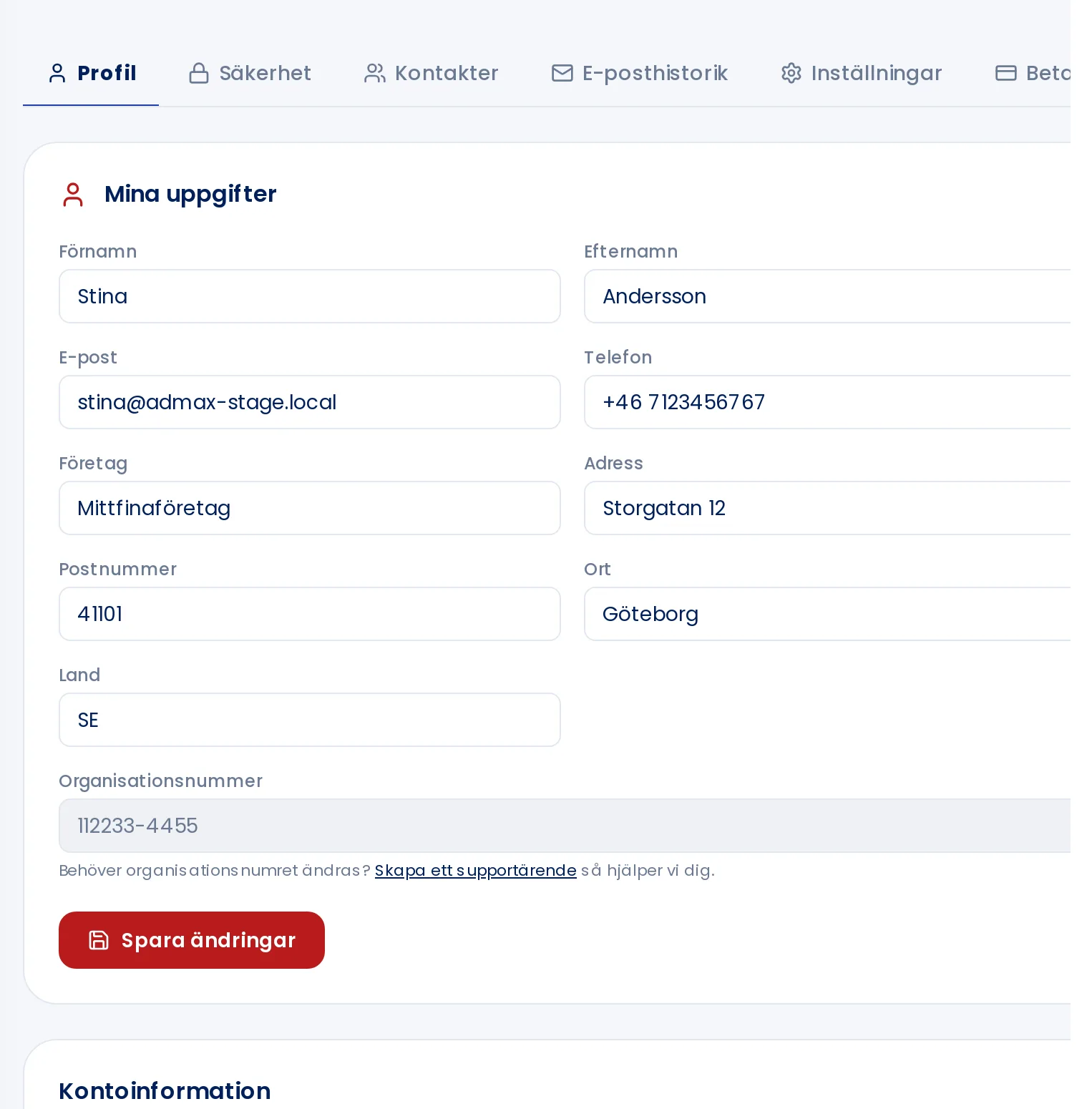
Admax Hosting AB · web hosting in Sweden since 1996Updated 6 October 2026
The address on your invoices is the one saved in your profile. Update it there and your next invoice will show the correct details.
- Click My profile in the menu.
- Update your company name, address, postcode and city under My details.
- Click Save changes.
Already issued invoices cannot be changed. If you need a new invoice with the correct address, create a support ticket.