Admax Hosting AB · web hosting in Sweden since 1996Updated 6 October 2026
If you want invoices to go to someone else as well — such as your accounts department or accounting firm — add them as an invoice recipient.
Click Manage contacts in the menu.
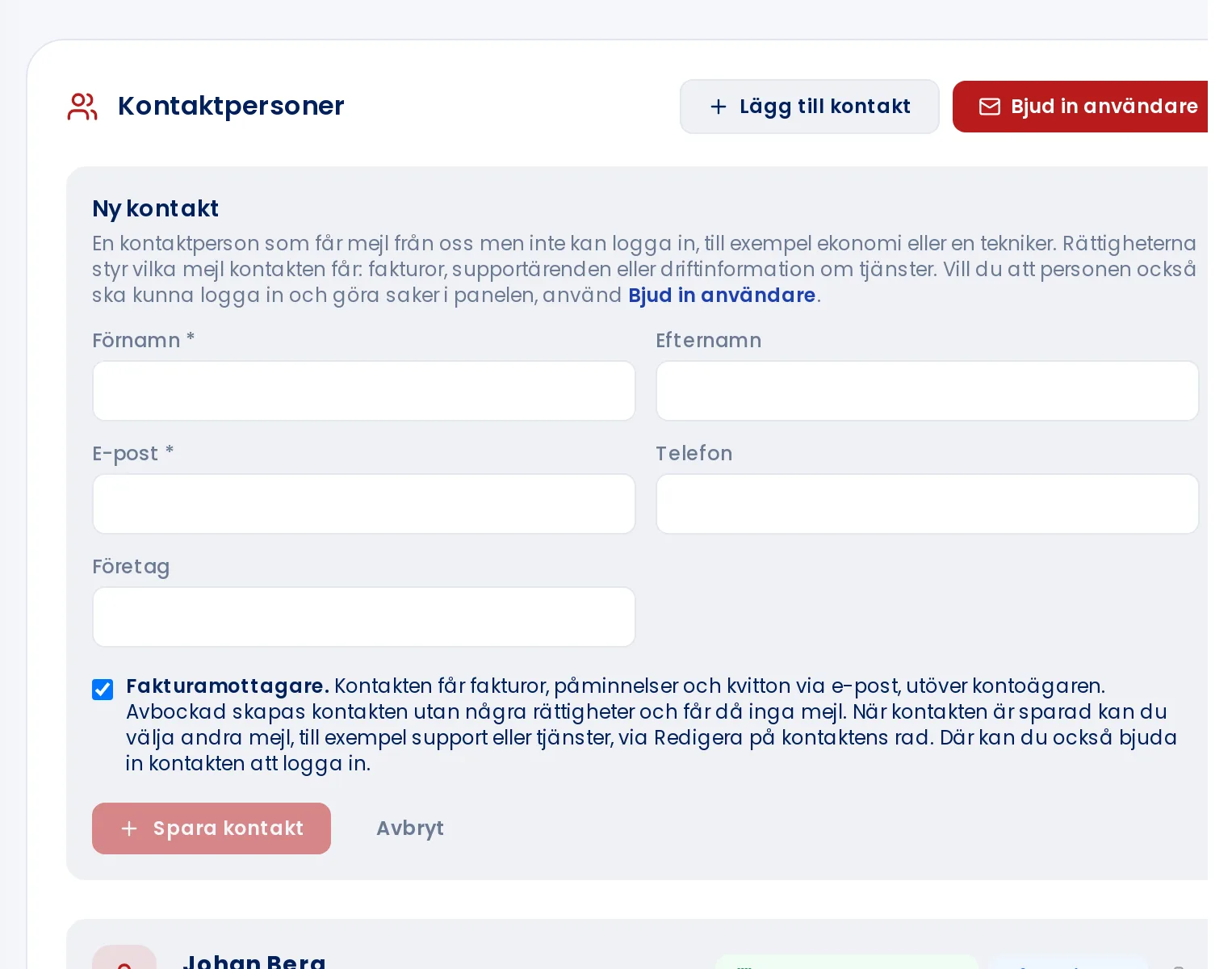
Click Add contact.
Enter their name and email address.
Make sure the Invoice recipient box is ticked.
Click Save contact.
The contact will now receive invoices, reminders, and receipts by email, in addition to you. To make an existing contact an invoice recipient, use the Invoice recipient button on that contact's row. Read more in Managing and editing contacts.