Admax Hosting AB · web hosting in Sweden since 1996Updated 6 October 2026
Here is how you cancel a web hosting plan, email service, or server. Domains are cancelled differently — see below.
Open the service under Web hosting, VPS, or Email in the menu.
Click Cancel at the bottom right of the panel.
Choose when the service should end: At the end of the billing period or Immediately.
Select or enter a reason.
Click Confirm cancellation.
If you choose Immediately, the service will be shut down as soon as we process your cancellation and all content will be permanently deleted. Make sure to back up your files and email first. If you choose end of period, the service remains active until the last paid day.
Undo a cancellation
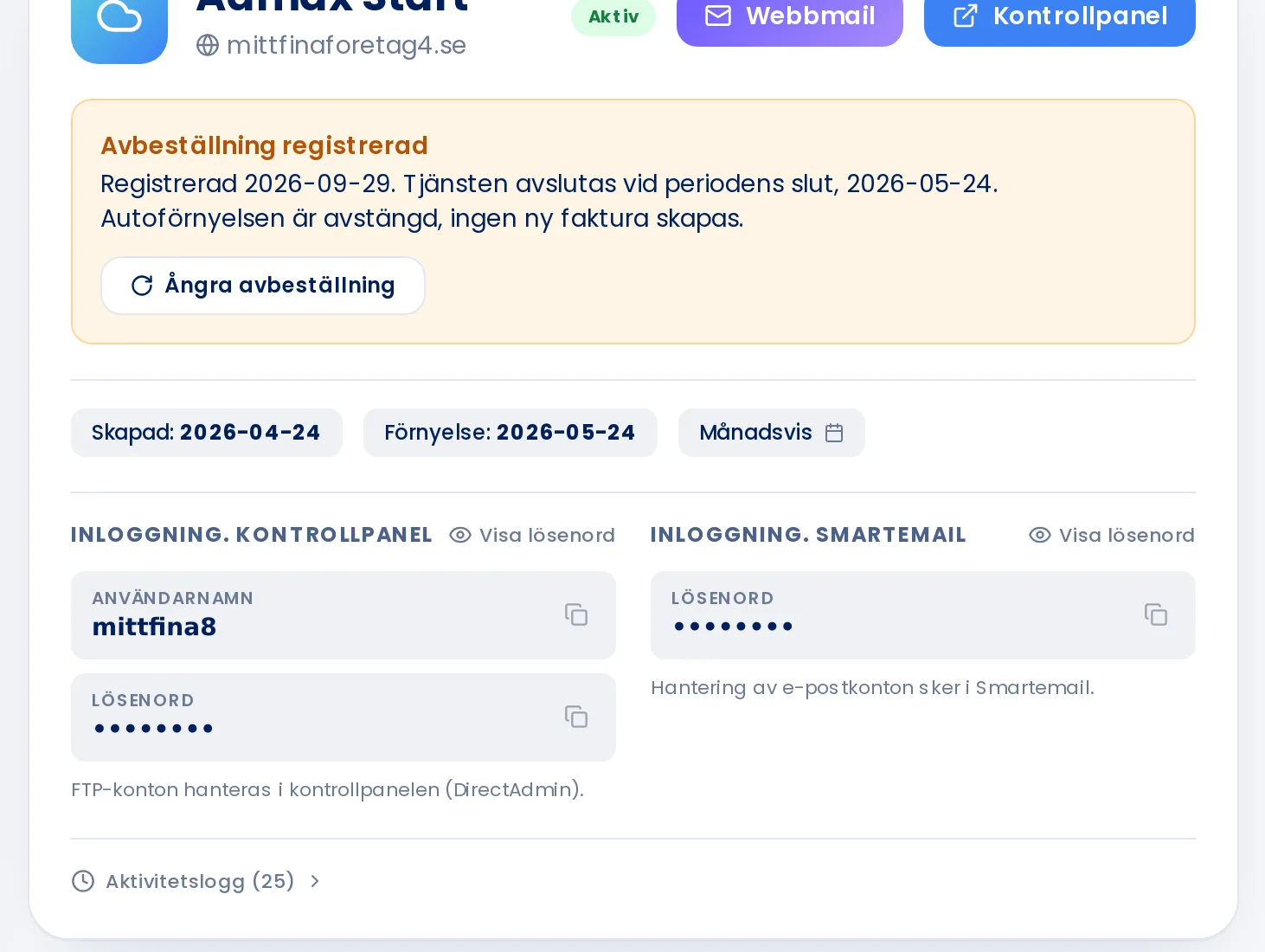
As long as the service has not yet been closed, the service page will show Cancellation registered along with the date it will end. Click Undo cancellation and the service will continue as normal.
A registered cancellation can be undone up until the end date.
Cancelling a domain
Domains are renewed by us sending a renewal invoice. If you no longer want the domain, simply turn off the renewal invoice — see Transfer lock and renewal invoice. The domain will then expire on its expiry date.