Back to the knowledge base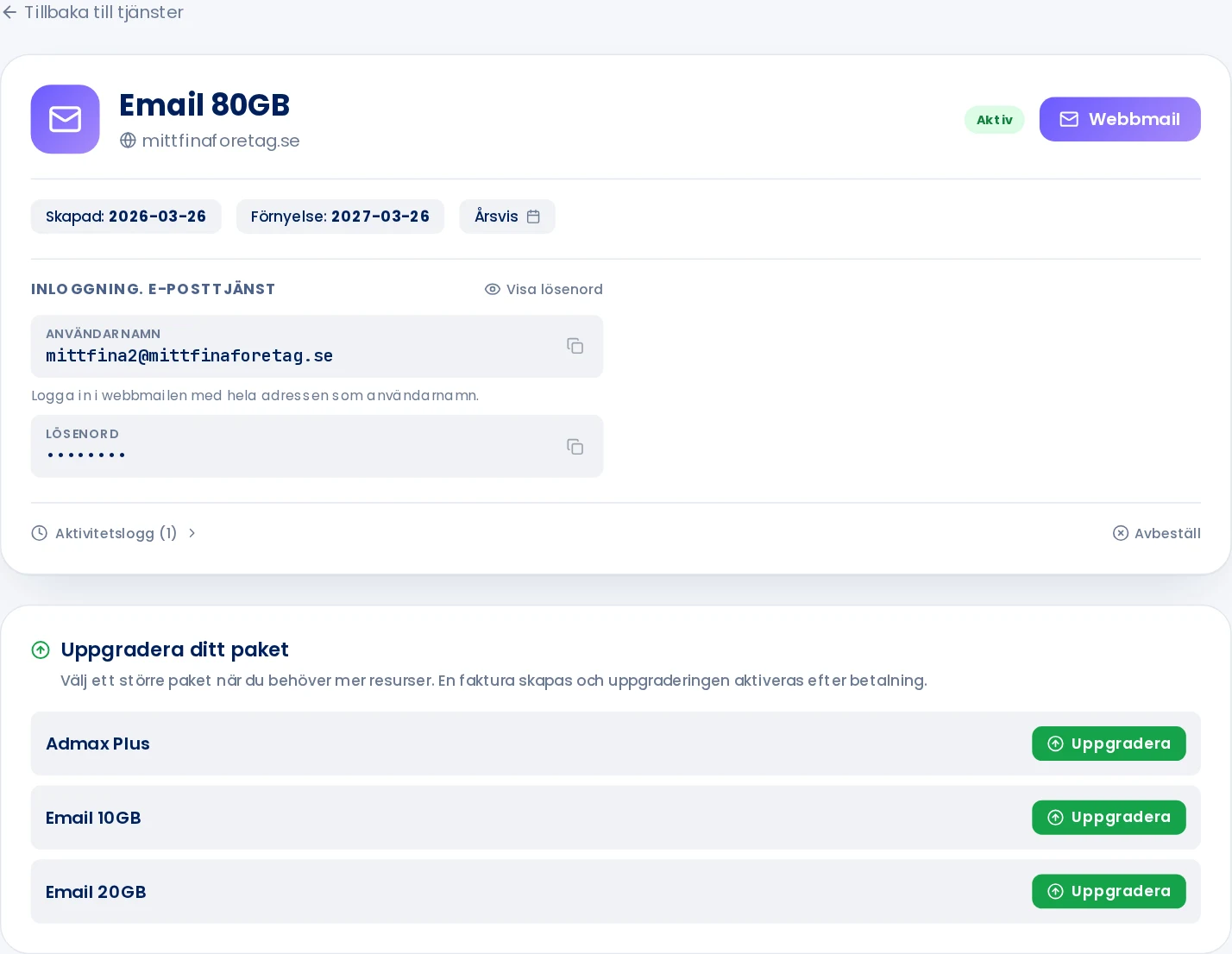
Admax Hosting AB · web hosting in Sweden since 1996Updated 7 October 2026
Under Email in the menu you'll find your email services. From there you can open webmail and find your login details.
Click Email in the menu.
Click Manage next to the service.
Click Webmail to open webmail in a new tab.
Under Login. Email service you'll find the username and password for managing your email. Click to the right of the password to copy it.
Create and manage email accounts
Email accounts, aliases and forwarding are managed in webmail. See for example Create an email address and Log in to webmail.
If email is included in your web hosting package, you'll find the login details under the web hosting entry instead, under Login. Smartemail.