Back to the knowledge base
Admax Hosting AB · web hosting in Sweden since 1996Published 31 March 2026
In our webmail you can create your own rules for how email is sorted. For example, email from a specific address can be moved to a folder, or orders can be forwarded to another email address as a copy, and so on.
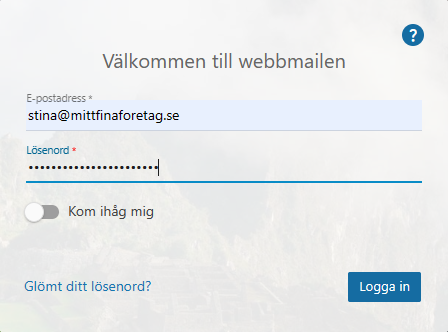
- Log in to the webmail.
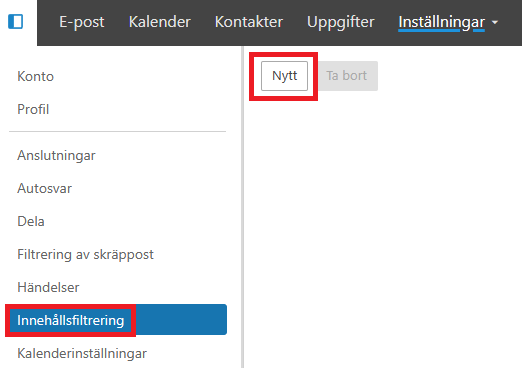
- Click "More" and "Settings" in the top menu. Under "Content filtering" on the left you'll find a list of existing rules. In our case, no rules have been created yet.
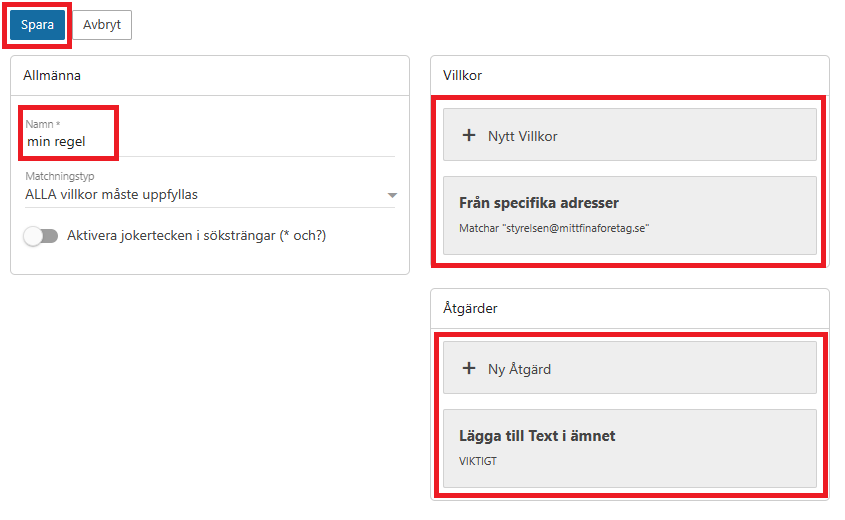
- Click "New" and choose the conditions that must be met for the filter to apply. In our case we select "From specific addresses" and the action "Add text to subject". You can add multiple conditions and actions, but we'll keep it simple here. Click "Save".
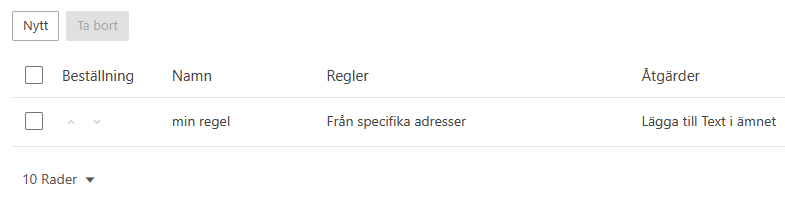
- Once you've clicked "Save", your new rule is created. We now have a rule called "my rule".