Back to the knowledge base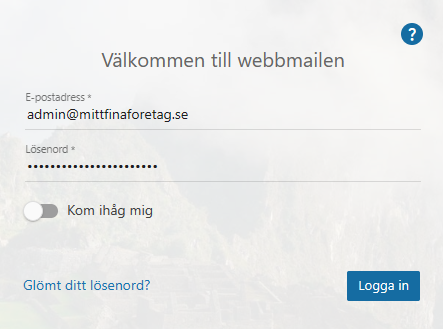
Admax Hosting AB · web hosting in Sweden since 1996Updated 28 August 2026
If you need additional administrators, you can easily grant permissions to other users via webmail.
Log in to webmail as an administrator.
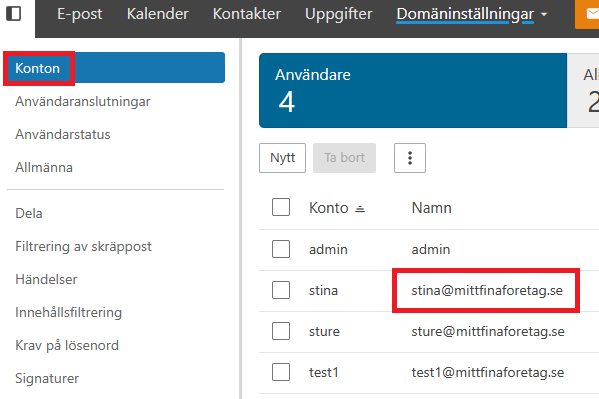
2. In the top menu, click "More" and then "Domain settings". Then select "Accounts" on the left and click the email account you want to give administrative rights.
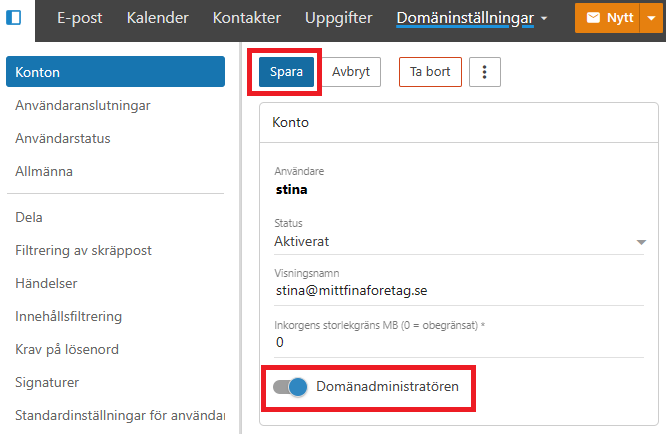
3. On the account card where it says "Account", click the toggle next to "Domain administrator". Once it's enabled, save the changes and the account will have administrative rights.