There is an address book in the webmail where you can manage your contacts. Read below to see how it works.
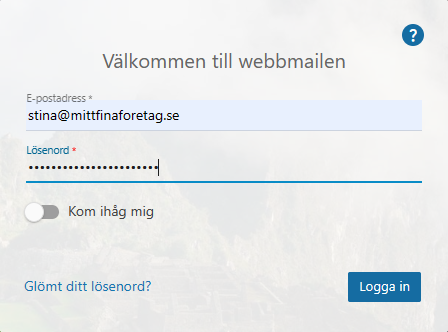
Start by logging in to the webmail.
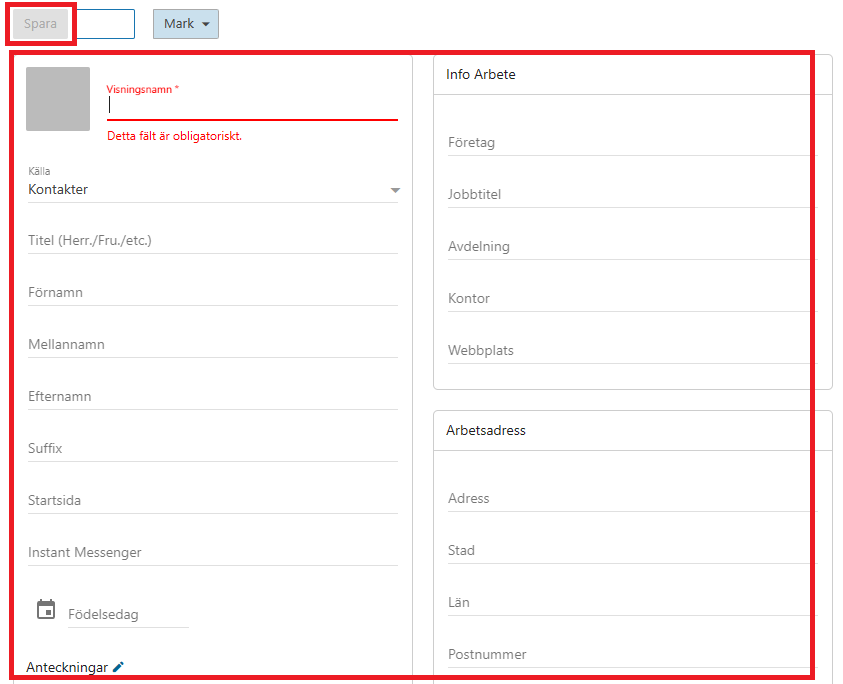
Click "Contacts" in the menu to get an overview of your existing contacts. To create a new contact, click "New" in the top menu and select "Contact".
Fill in the relevant information. Once you have entered everything, click "Save" to create the contact.
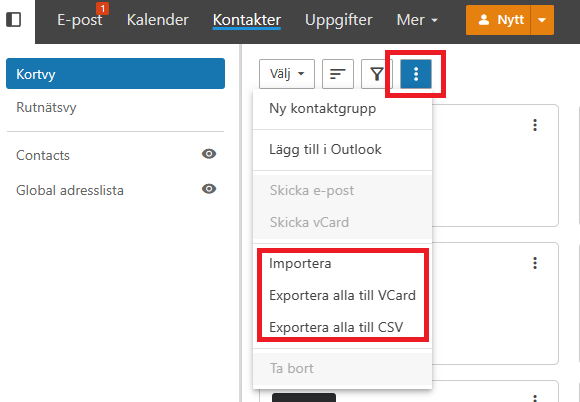
You can also import contacts or export existing ones. Click the three dots for more options.
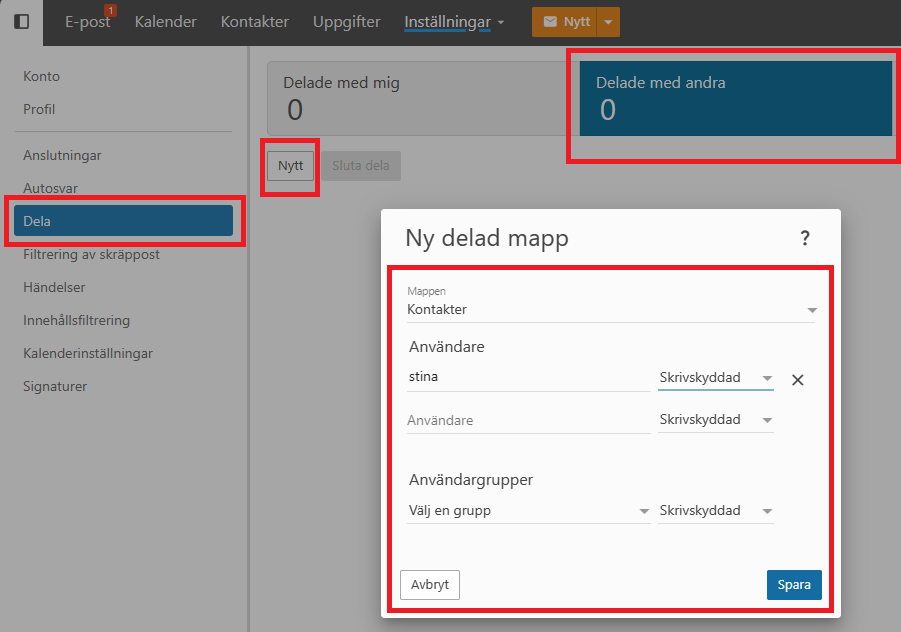
To share contacts with others under the same domain, click "More" in the menu and then "Settings". On the left, select "Sharing" and the "Shared with others" tab, then click "New". Choose the contact list you want to share and set the appropriate permissions. Finish by clicking "Save".