To create a mailing list, it first needs to be set up via webmail. Follow the steps below to create your list.
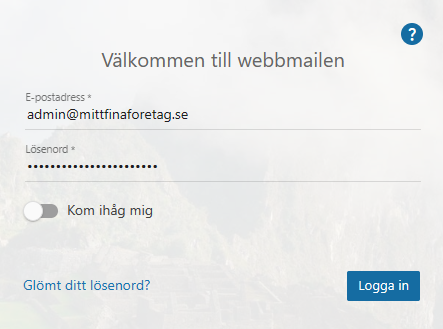
Log in to webmail as an administrator.
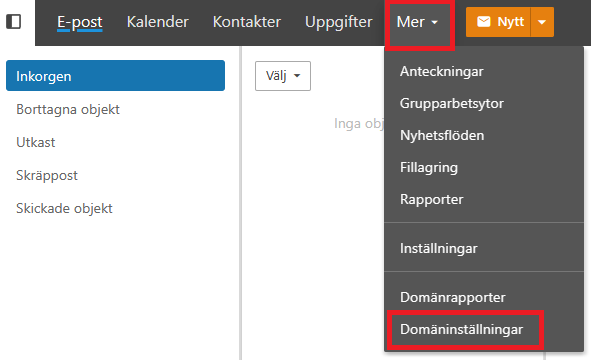
In the top menu, click "More" and then "Domain settings".
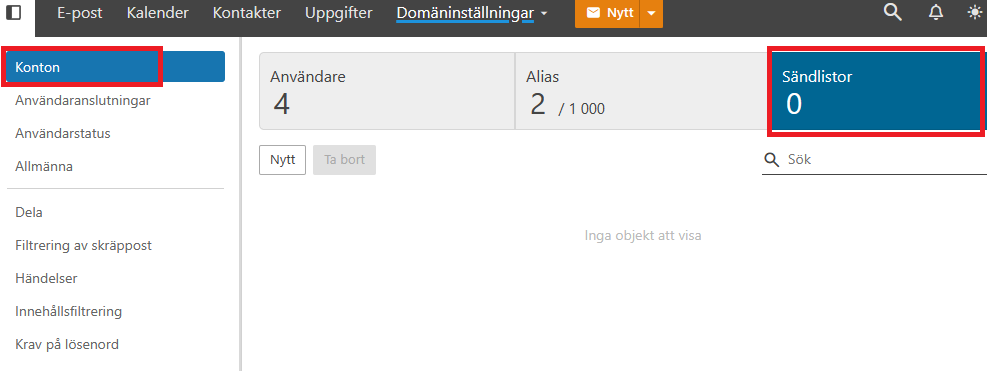
With "Accounts" selected, click the "Mailing lists" tab.
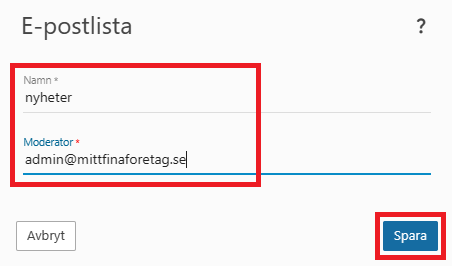
Click "New" and choose a name — this will be used as the email address for the list (name@mydomain...). In our example, we name the list "nyheter" and set the admin address as moderator.
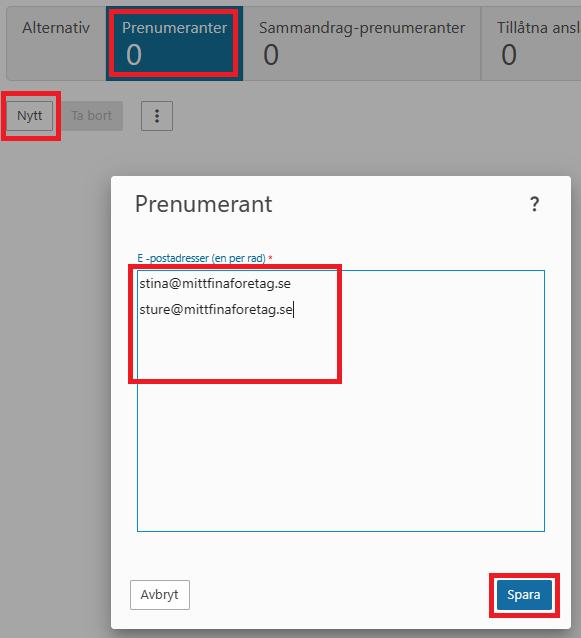
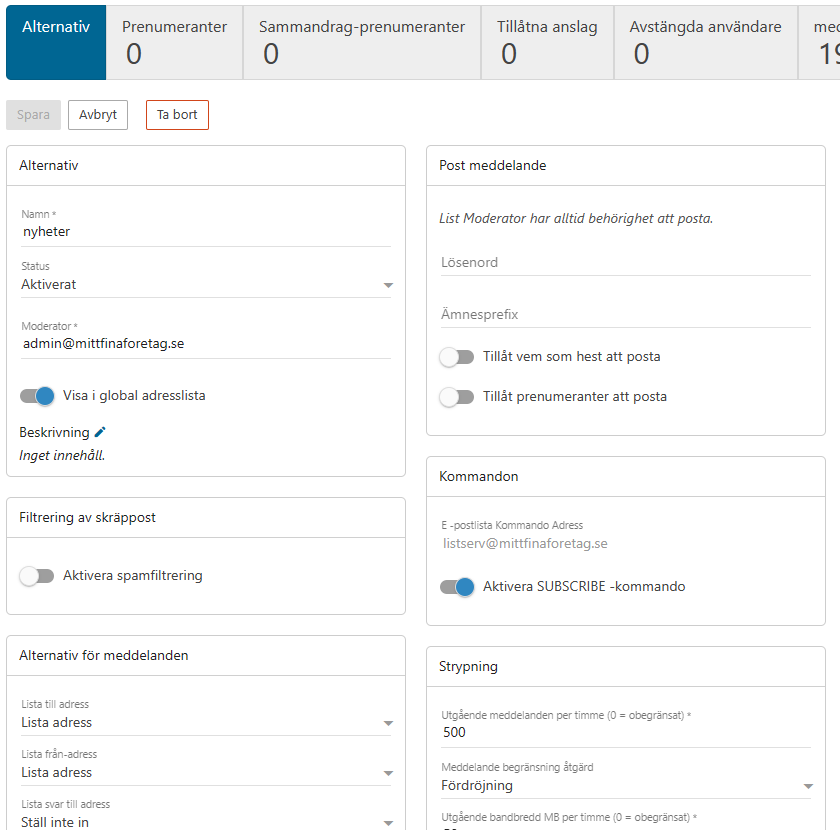
Once the list is created, you can configure a few settings and add subscribers. Review the details and make any adjustments until the list is set up the way you want it. Don't forget to click "Save" when you're done. To add subscribers, click the "Subscribers" tab.
To add email addresses to the list, click "New". Enter one email address per line and click "Save" when you're done. The list is now ready to use. Send an email to the list address and it will be delivered to all subscribers.