Admax Hosting AB · web hosting in Sweden since 1996Updated 6 October 2026
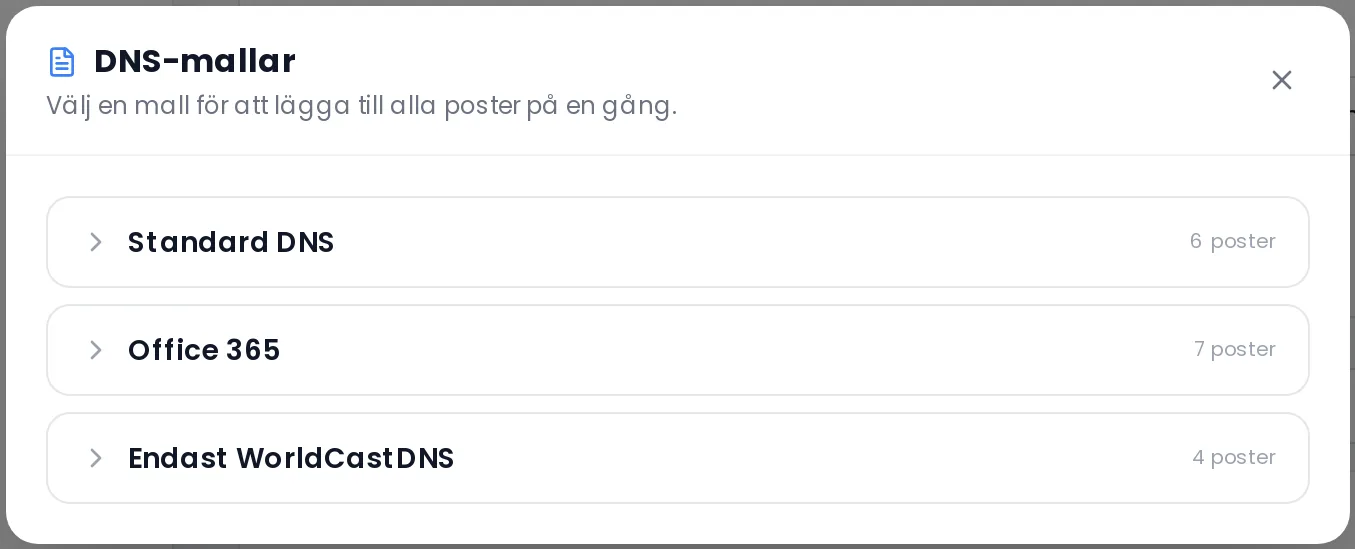
A DNS template adds all the records for a common service in one go — for example our standard setup or Microsoft 365.
Open the domain under DNS in the menu.
Click Select DNS template.
Click a template to see which records it contains.
If the template requires an IP address, enter it.
Click Apply.
The template adds records — it does not remove any. Afterwards, check that you do not have two conflicting MX or SPF records. If you need help replacing old records, use Domain Assistant, which will ask you what should be replaced.