Admax Hosting AB · web hosting in Sweden since 1996Updated 6 October 2026
To transfer a domain from us to another registrar, you'll need the domain's EPP code, also known as an auth code or authorisation code. You can retrieve it yourself in the customer portal.
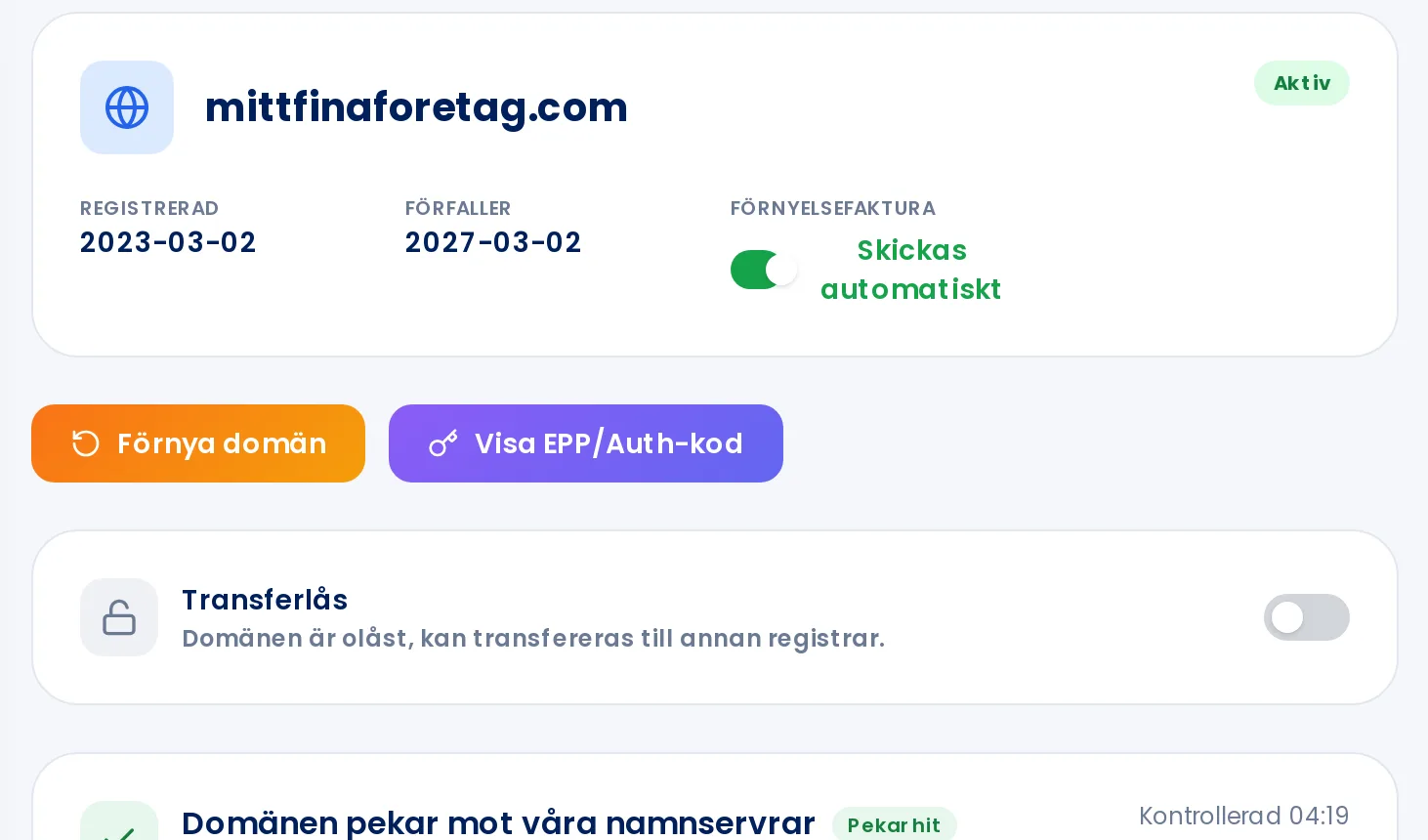
Click Domain names in the menu, then click Manage next to the domain.
Click Show EPP/auth code.
The code appears below the button. Click Copy and paste it into your new registrar's transfer form.
The Show EPP/auth code button is next to Renew domain.
This code authorises the transfer of your domain. Only share it with the registrar you are transferring to. You can retrieve the code up to three times per hour.