Back to the knowledge base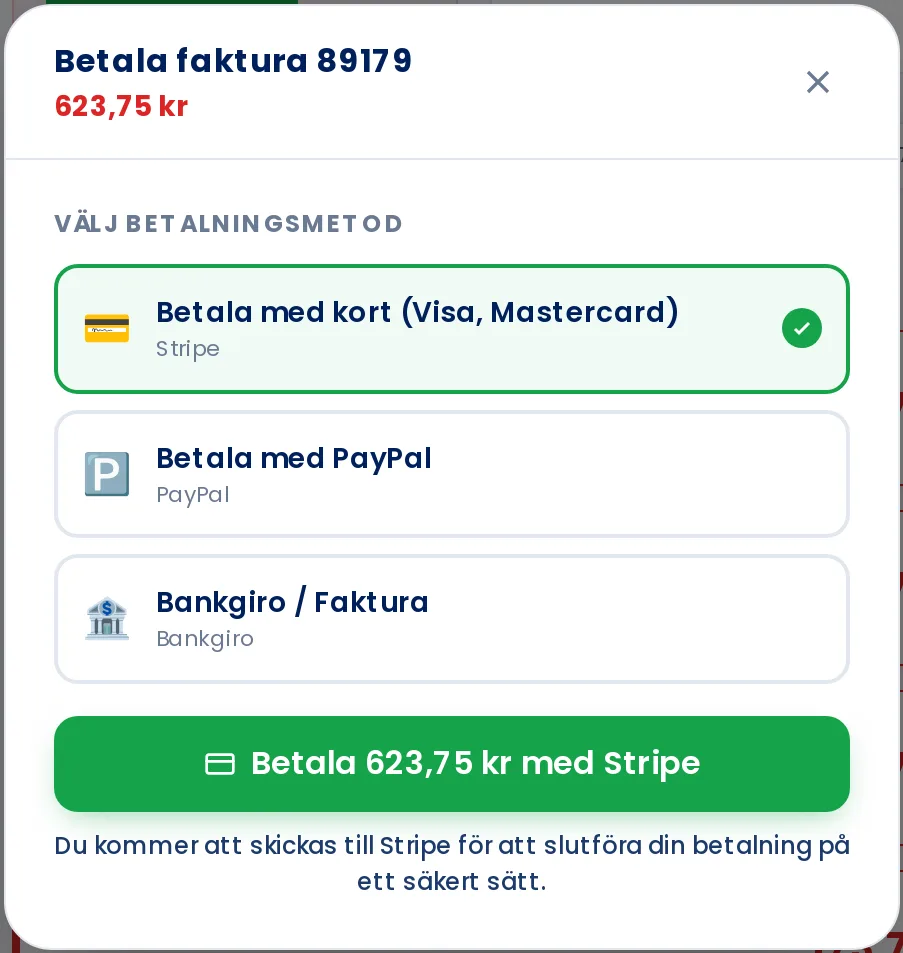
Admax Hosting AB · web hosting in Sweden since 1996Updated 6 October 2026
- Click Invoice in the menu.
- Click Pay next to the invoice.
- Select Pay with PayPal and click the payment button.
- Log in to PayPal and approve the payment. You will then be returned to the customer portal and the invoice will show as paid.
Read more about all payment methods in Paying an invoice.