Back to the knowledge base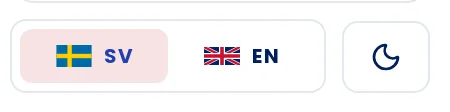
Language selector on the left, light or dark mode on the right.
Admax Hosting AB · web hosting in Sweden since 1996Updated 6 October 2026
The customer portal is available in Swedish and English. The language selector is in the menu, under your name.
- Click SV for Swedish or EN for English.
- The portal switches language immediately.
Light or dark mode
The moon button next to the language selector toggles between light and dark mode.
Your language and mode settings are saved in your browser. If you log in from a different device or browser, you will need to select them again there.