Admax Hosting AB · web hosting in Sweden since 1996Updated 6 October 2026
If you've forgotten your customer portal password, you can reset it yourself in just a minute.
Go to the login page and click Forgot password? below the login box.
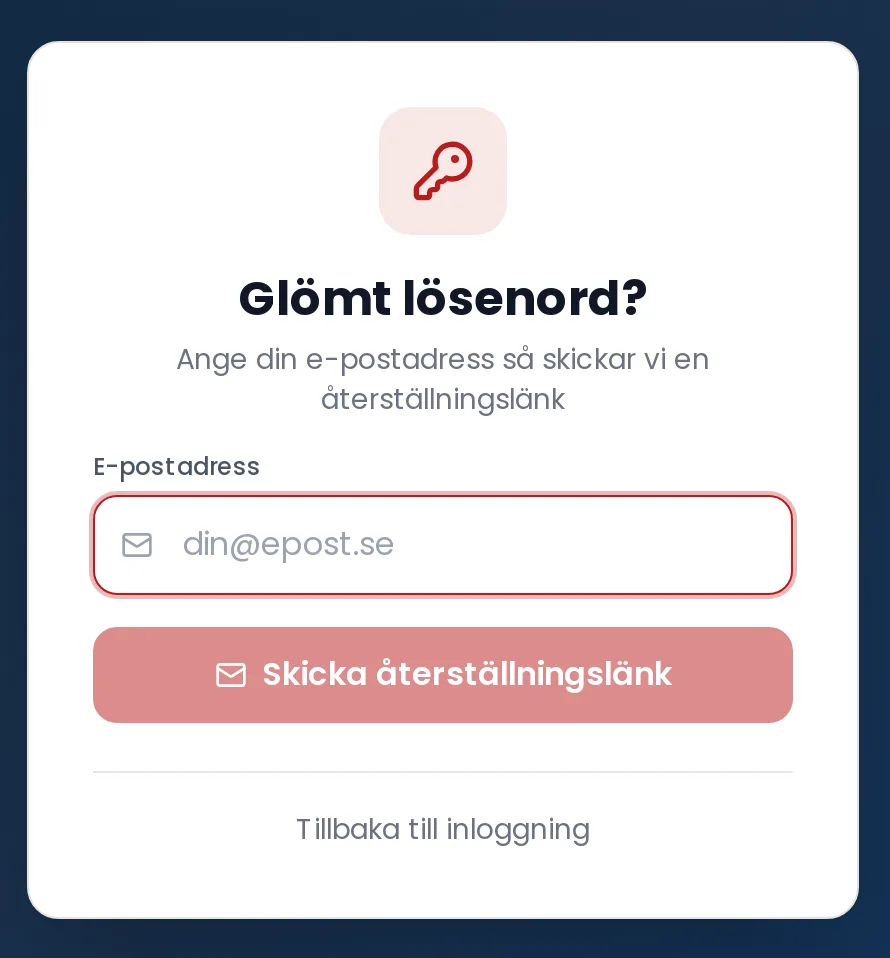
Enter the email address associated with your account and click Send reset link.
Open the email from us and click the link. The link is valid for one hour.
Enter your new password twice and click Update password.
You'll be taken back to the login page. Sign in with your new password.
Enter your email address and we'll send you a link to set a new password.
No email arriving? Check your spam folder and make sure you've used the same address you log in with. For security reasons we don't confirm whether an address exists in our system, so the page looks the same either way.