Admax Hosting AB · web hosting in Sweden since 1996Updated 6 October 2026
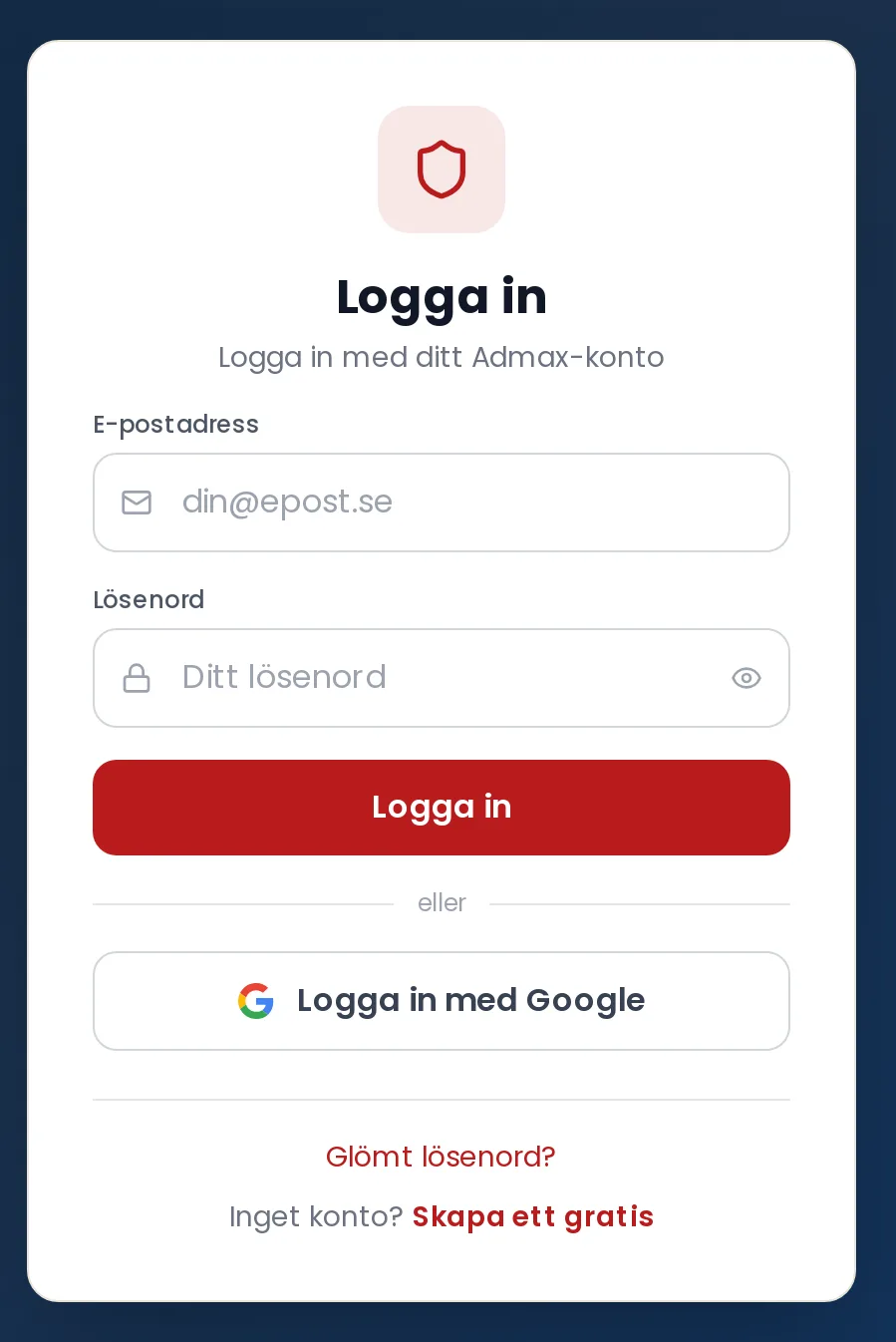
You log in to the customer portal with your email address and password, or with your Google account if the email address is the same.
Go to our website and click Log in in the top right, or Customer portal in the top bar.
Enter your email address in the Email address field.
Enter your password in the Password field. Click the eye icon in the field to see what you have typed.
Click Log in.
Log in with your email address and password, or choose Sign in with Google.
Log in with Google
Below the button you will find Sign in with Google. This works if your Google account uses the same email address as your account with us. If no account exists for that address, you will see a message letting you know.
If you have two-factor authentication
If you have enabled two-factor authentication, you will be asked to enter a Verification code after your password. Open your authenticator app, enter the six-digit code, and click Verify.
If you are told that you need to verify your email, you have not yet confirmed your address. Click Send a new verification link and follow the link in the email.
If you do not have an account, click Create a free one — see Create an account.
If you have been inactive for a while, you will be logged out automatically. Simply log in again.