Admax Hosting AB · web hosting in Sweden since 1996Updated 6 October 2026
You can create an account before placing an order, or during your first order. The account is free.
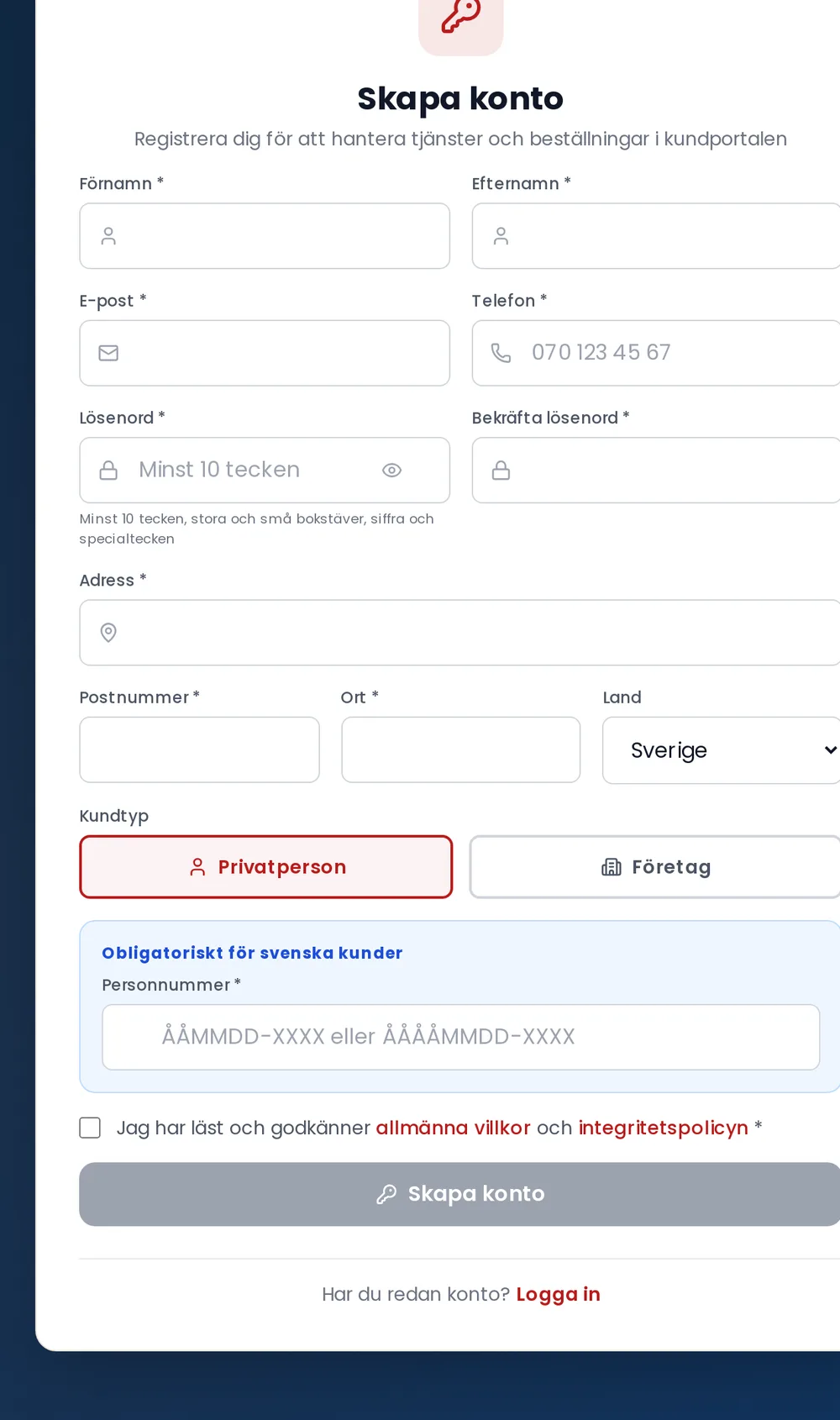
Go to the login page and click Create a free account at the bottom.
Choose your Account type: Individual or Business. If you select Business, also fill in your company name and company registration number.
Enter your name, email, phone number, and address. The city field fills in automatically once you enter your postcode.
Choose a password of at least ten characters, including uppercase and lowercase letters, a number, and a special character.
Tick the box to accept the terms and conditions and privacy policy, then click Create account.
Open the email from us and click the link to verify your email address. You can then log in.
If you are based in Sweden, we require your Swedish personal identity number or company registration number. This is used, among other things, when we register domains in your name.