Admax Hosting AB · web hosting in Sweden since 1996Updated 6 October 2026
How to change the password you use to log in to the customer portal. Passwords for the web hosting control panel and email accounts are changed elsewhere.
Click My profile in the menu.
Select the Security tab.
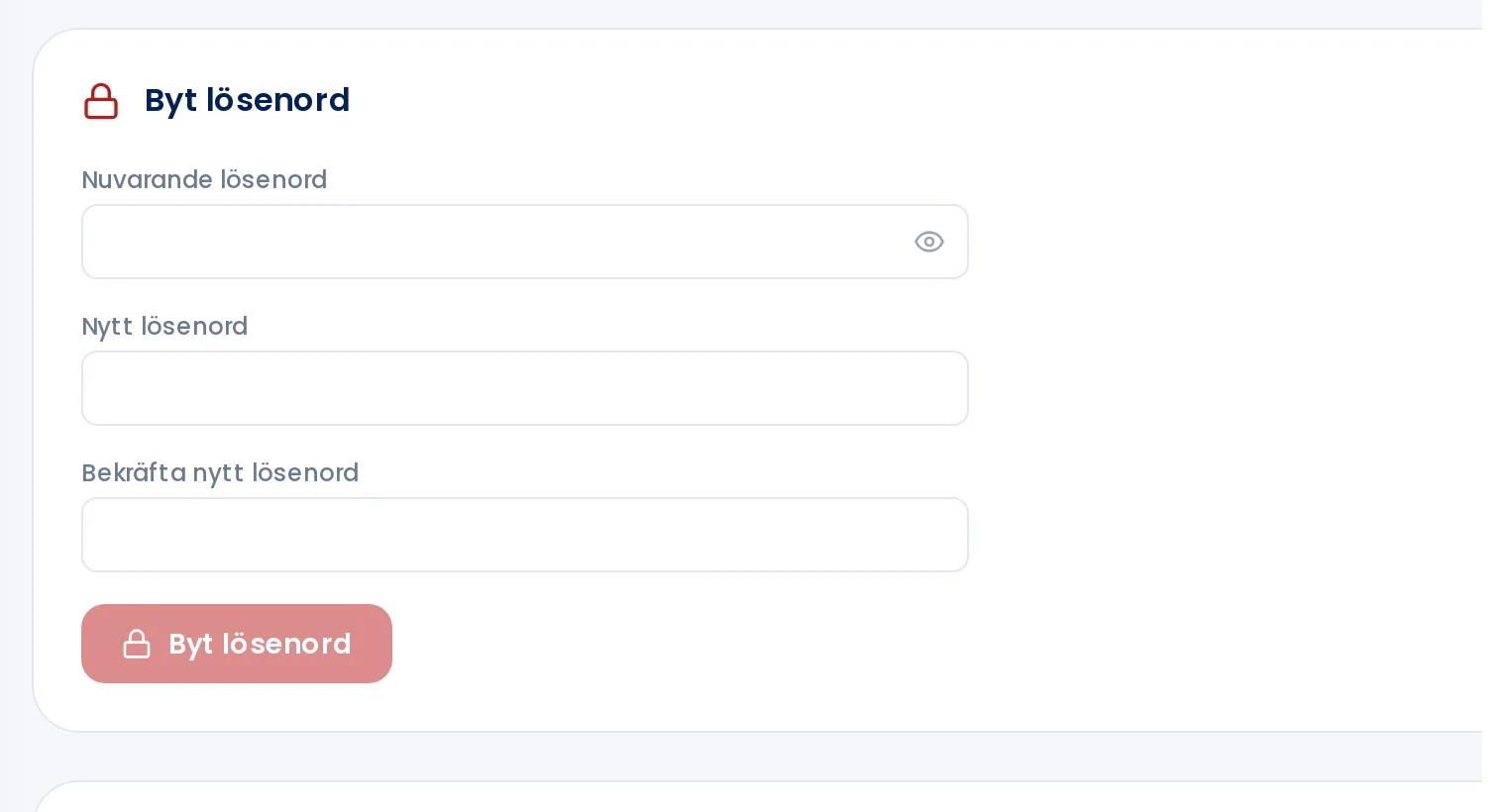
Fill in Current password, New password and Confirm new password. The new password must be at least eight characters long.
Click Change password. Once you see Password changed! you're all done.
Under Security you can change your password and enable two-factor authentication.
Choose a password you don't use anywhere else. For extra account security, enable two-factor authentication.