Under the Settings tab, under My profile, you can choose how we send invoices, which emails you want to receive, and whether you want to receive SMS messages.
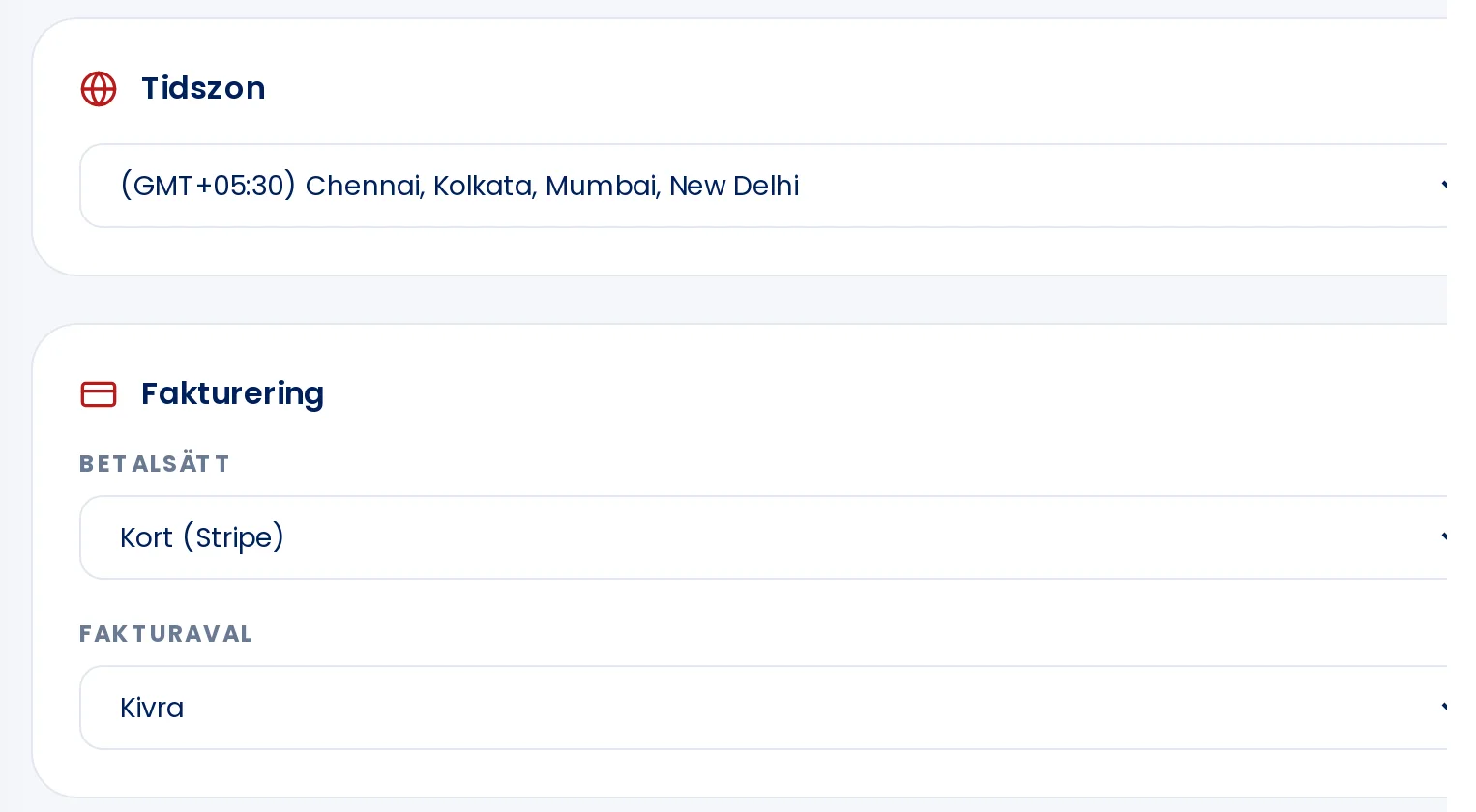
Changes under Settings are saved immediately when you make a selection.
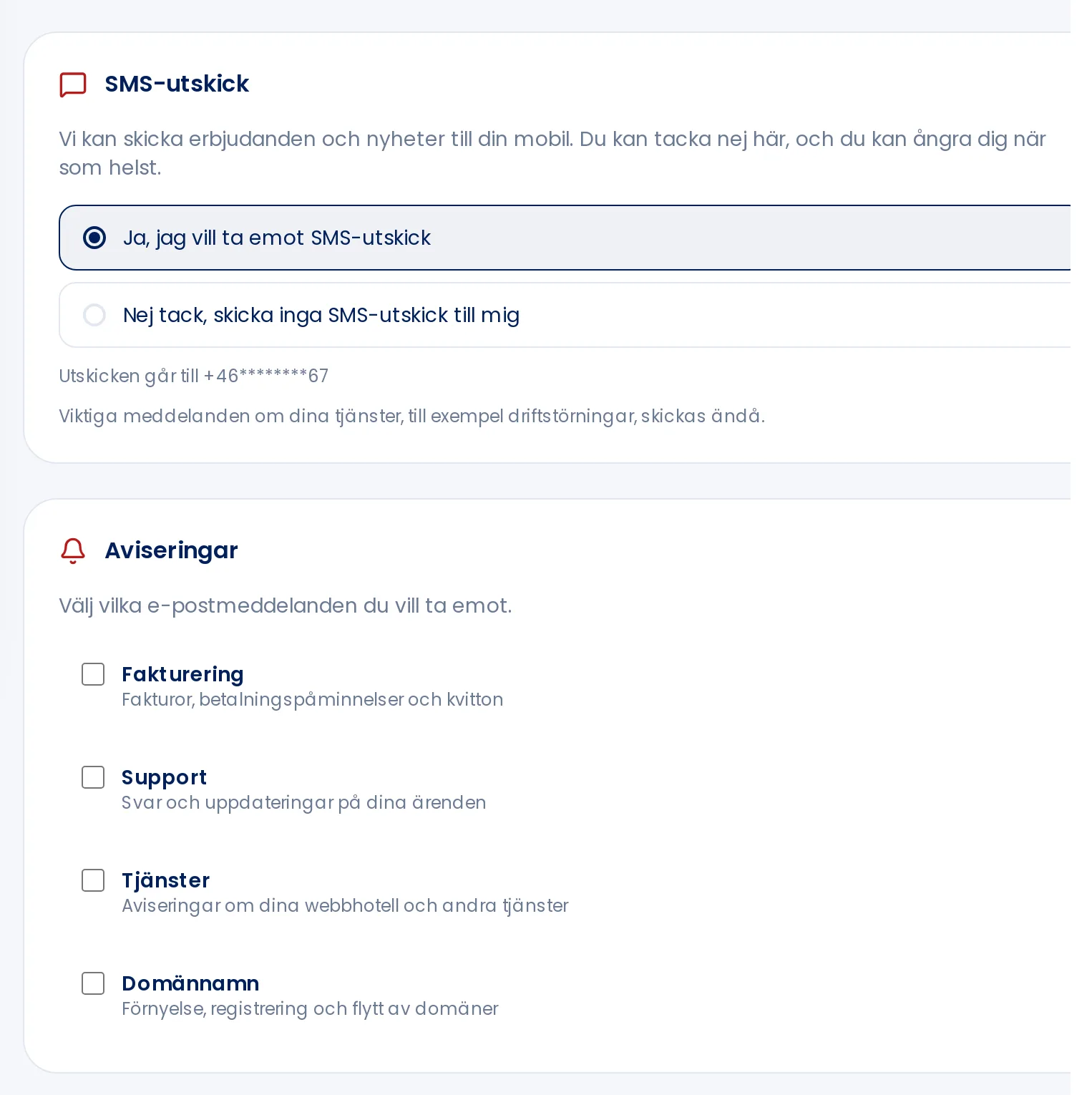
What you can configure
Time zone: which time is shown to you.
Payment method: how you prefer to pay your invoices.
Invoice delivery: how you receive your invoice — for example by email, Kivra, e-invoice, or post. See How do I choose invoice by post?.
SMS messages: whether you want to receive offers and news by SMS. Important messages about your services, such as service disruptions, will still be sent regardless.
Notifications: which emails you want to receive regarding billing, support, services, and domain names.
There is no save button. Each change is saved as soon as you make it, and you will see Saved when it is done.
More tabs
Email history: all emails we have sent to you, with subject and recipient.
Payment methods: cards you have saved. A card is saved automatically the next time you pay by card.
Transactions: your payments with date, description, and amount.