Back to the knowledge base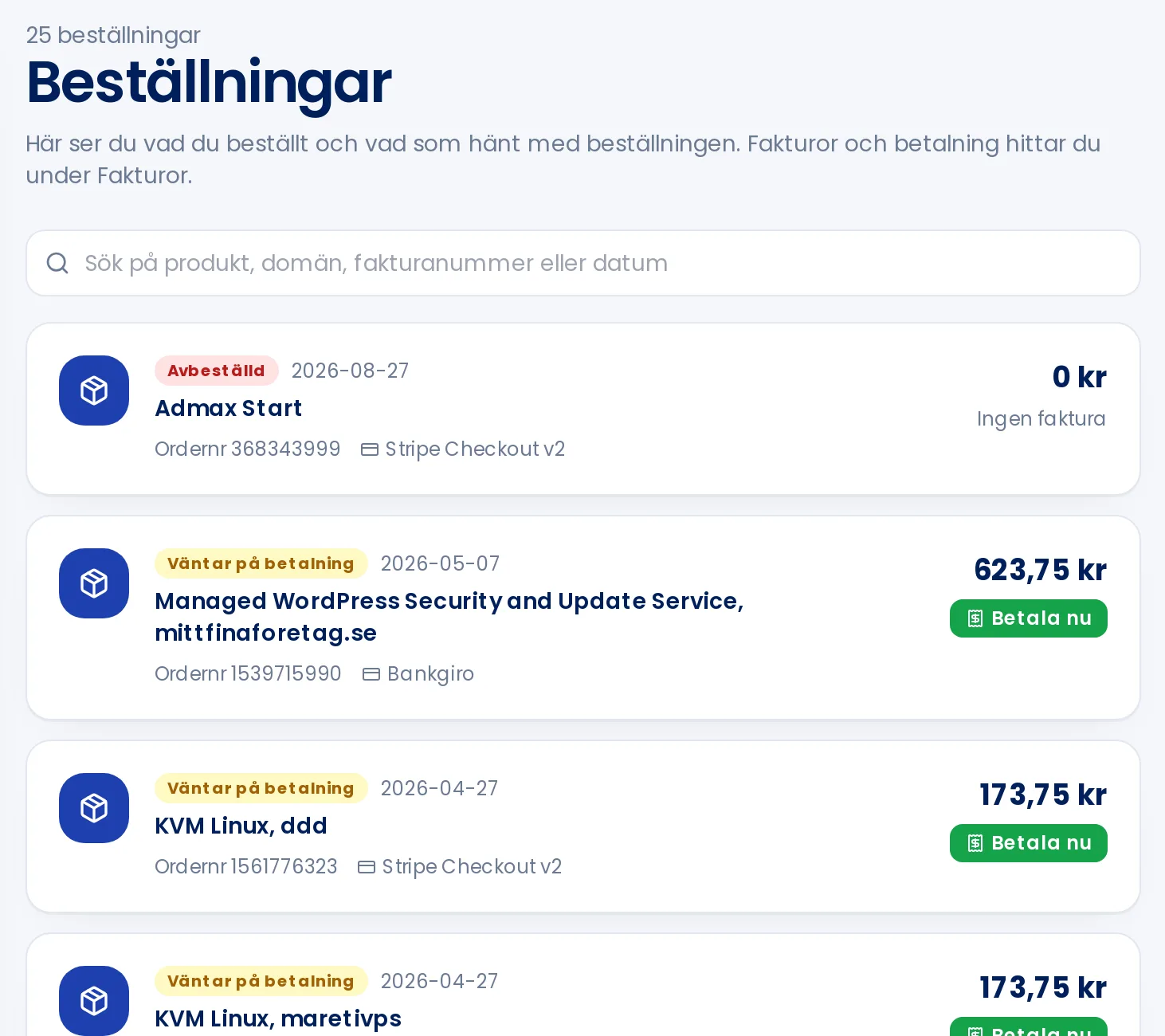
Admax Hosting AB · web hosting in Sweden since 1996Updated 6 October 2026
Under Orders in the menu you can see everything you've ordered, including order number, date, payment method and status.
Status
- Awaiting payment: the invoice hasn't been paid yet. Click Pay now to complete payment.
- Paid, being activated: we've received your payment and the service is being set up.
- Active: the service is up and running.
- Cancelled or Rejected: the order didn't go through.
Click the invoice link on a row to open the invoice. Use the search field to find an order by product, domain, invoice number or date.