Back to the knowledge base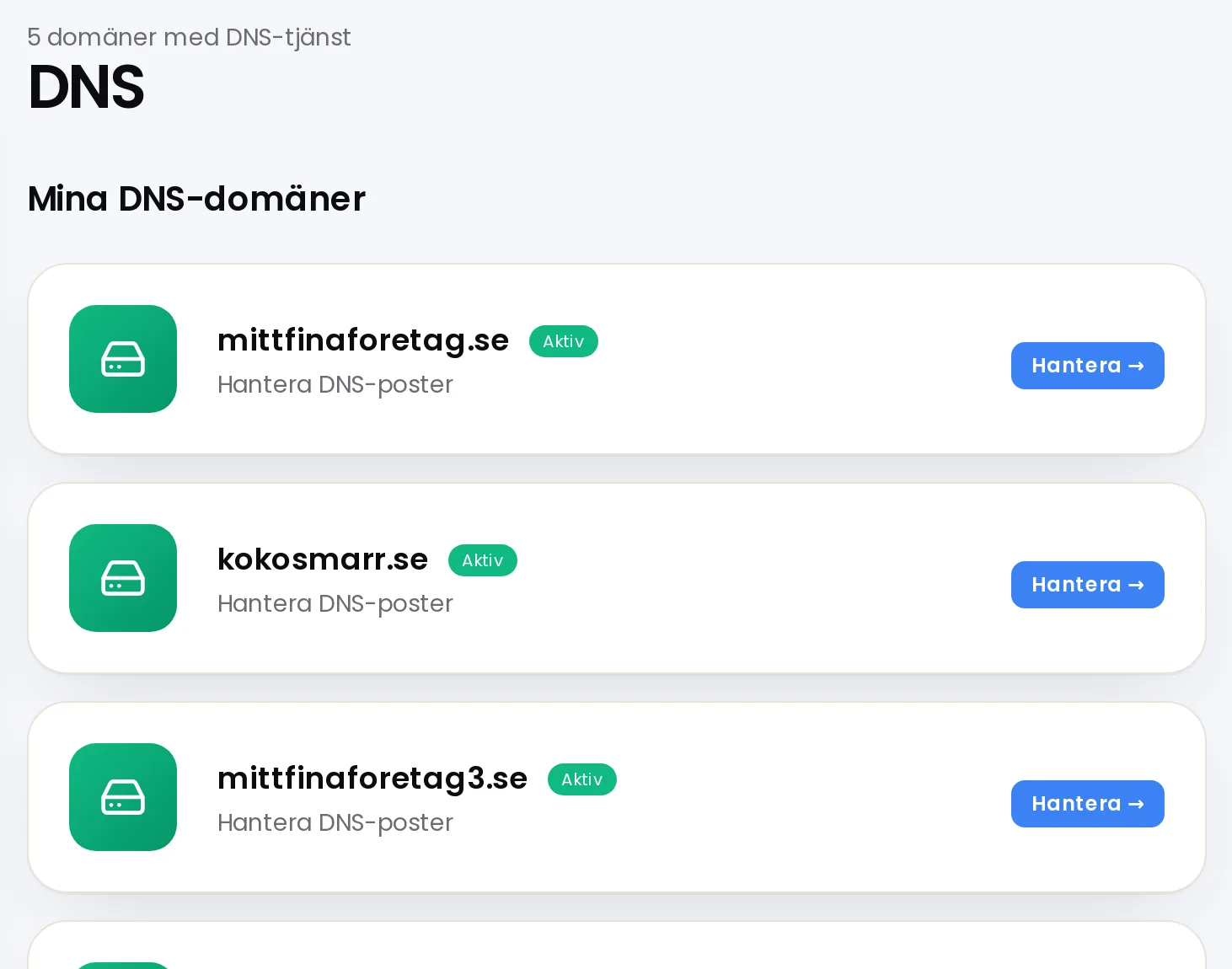
Domains without a zone are shown at the bottom of the DNS page.
Admax Hosting AB · web hosting in Sweden since 1996Updated 6 October 2026
A DNS zone is where your domain's DNS records are stored with us. If you have a domain without a zone, you can create one with a single click.
- Click DNS in the menu.
- Under Domains without a DNS zone, click Create zone next to the domain.
- The zone is created and opens straight away, so you can add records.
The zone is only used if the domain points to our name servers. You can check this under Domain names.
Free tool
- DNS lookupView all DNS records for a domain: A, AAAA, CNAME, MX, NS, TXT, SOA and CAA.
- DNS propagationCheck whether a changed DNS record has taken effect at Google, Cloudflare, Quad9 and AdGuard.
- Is the domain available?Check whether a domain name is available and see at the same time if it is free on .se, .nu, .com and .eu.
- Whois lookupSee who the registrar is for a domain, when it was registered, when it expires, and which name servers it uses.