Admax Hosting AB · web hosting in Sweden since 1996Published 6 October 2026
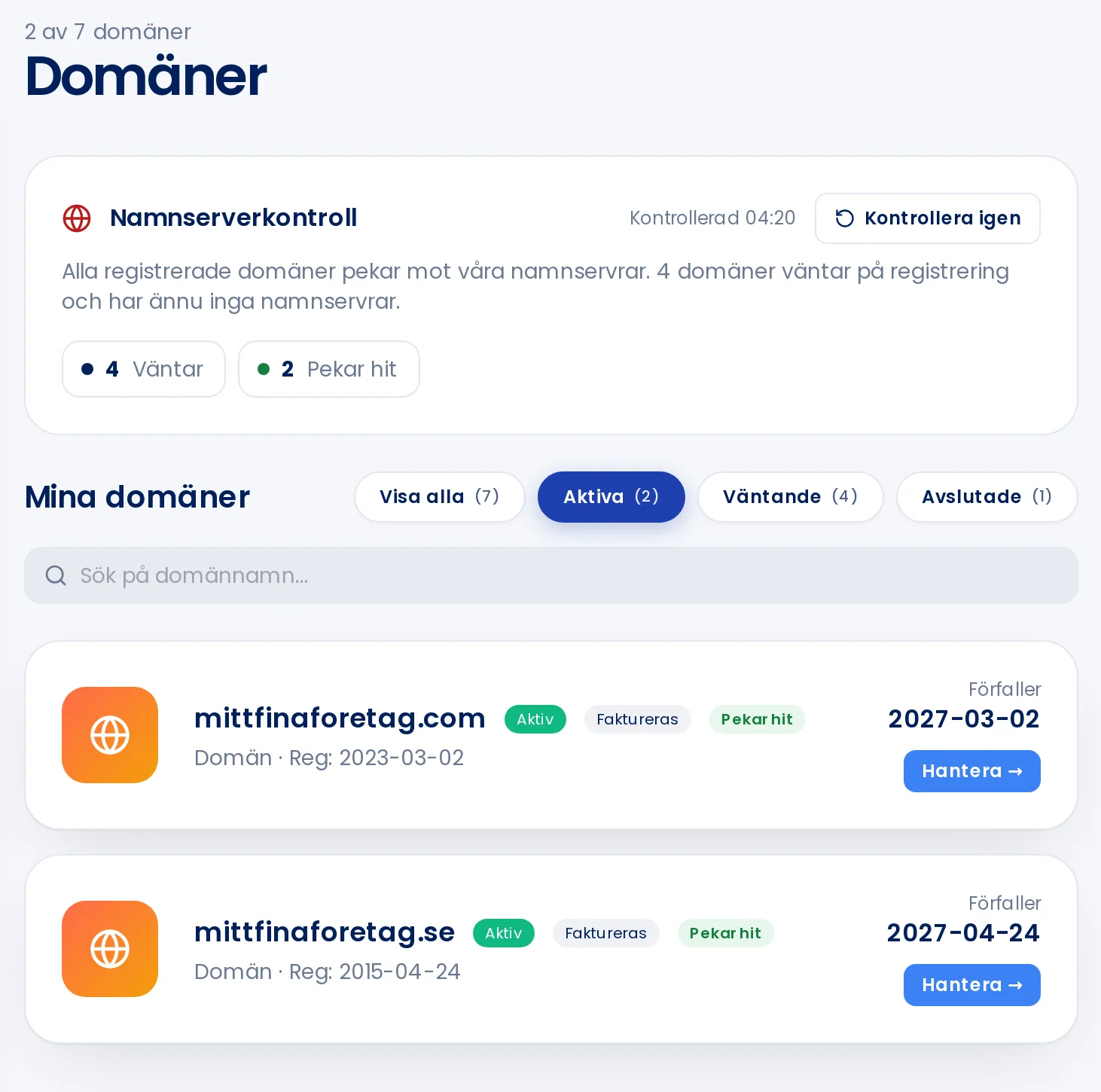
Under Domain names in the menu you can see all the domains you have with us, when they expire, and whether they point to our name servers.
The name server status at the top shows whether your domains are pointing here.
Name server status
The Name server status box checks which name servers are currently authoritative for your domains. If a domain points elsewhere, any DNS records you add with us will have no effect until it points here. Click a status, such as External DNS, to filter the list to those domains. Check again runs a fresh check.
The list
Active, Pending, or Cancelled shows the domain's status. The list shows active domains by default.
Invoiced means we will send a renewal invoice before the domain expires.
A warning showing the number of days remaining is displayed when a domain expires within 60 days.
Expires on the right is the date the domain will expire if not renewed.
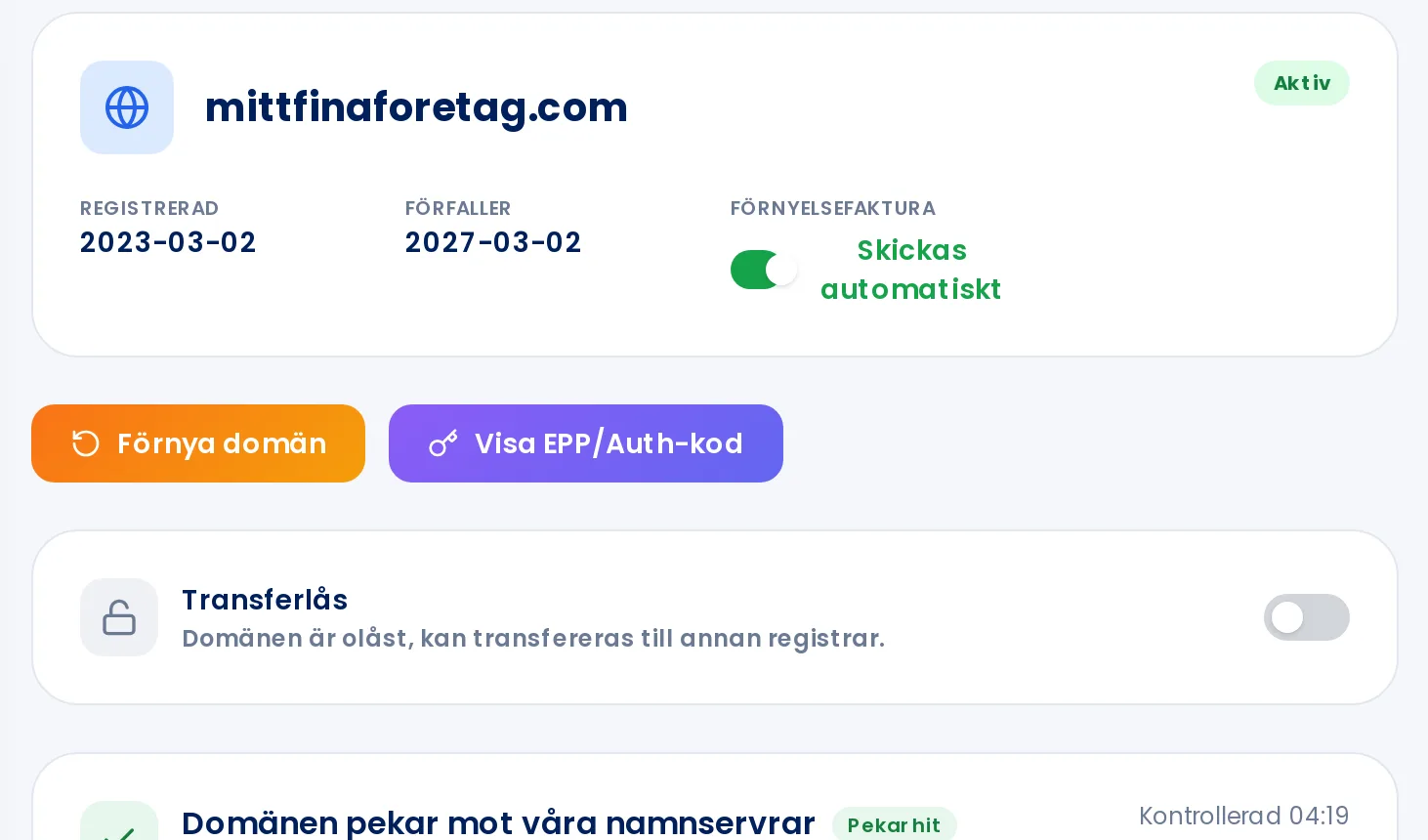
A domain's page
Click Manage to open the domain. From there you can: