Admax Hosting AB · web hosting in Sweden since 1996Updated 7 October 2026
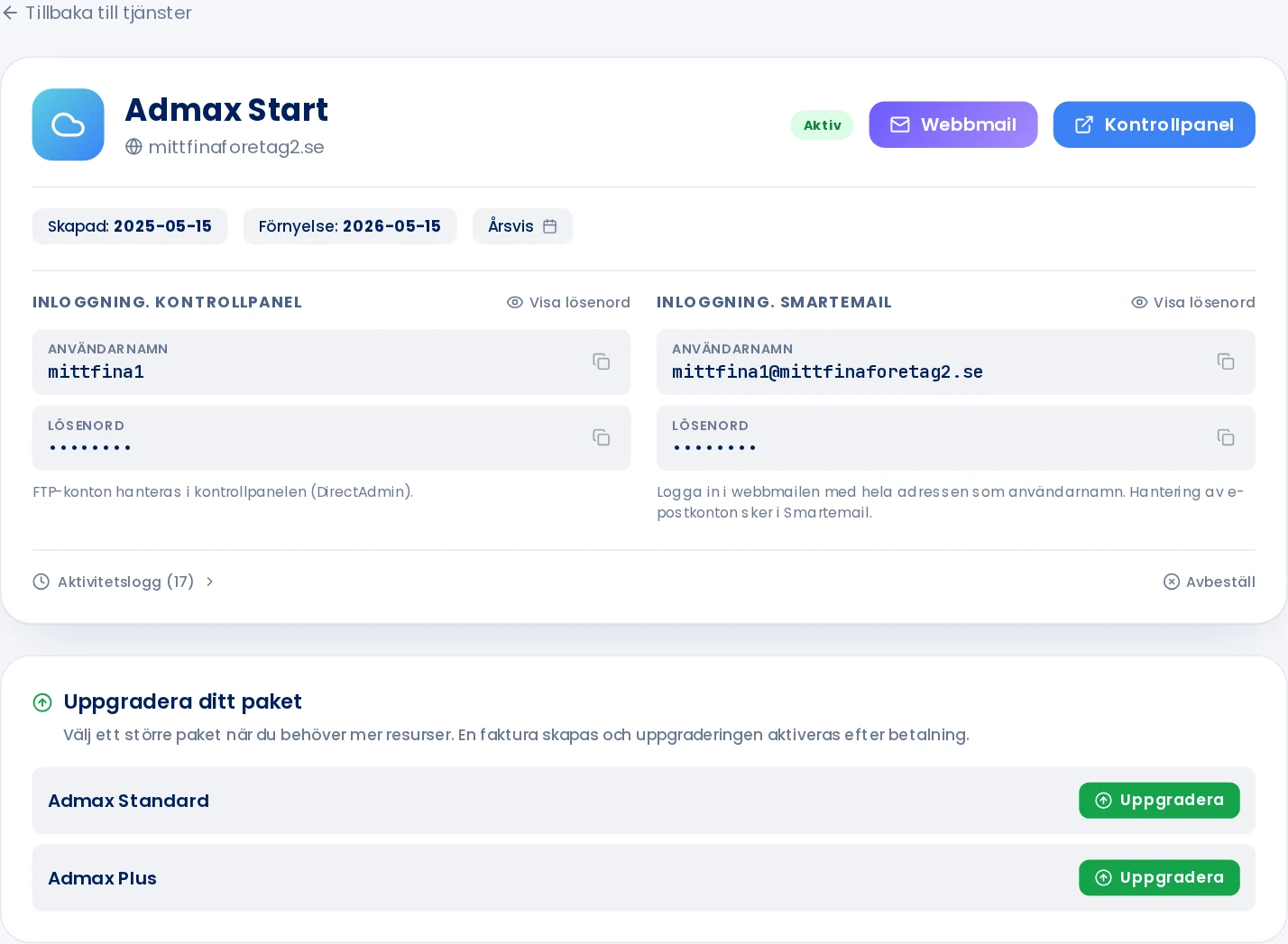
Each web hosting plan, email service, and server has its own page in the customer portal. There you can see its status, renewal date, and login details, and change your plan or billing period.
Click Web hosting, VPS, or Email in the menu.
The list shows your active services. Click View all, Pending, or Cancelled to see others.
Click Manage next to the service.
What you'll find on the page
Status: Active, Pending, Suspended, Terminated, or Cancelled.
Created and Renewal: when the service started and when it next renews.
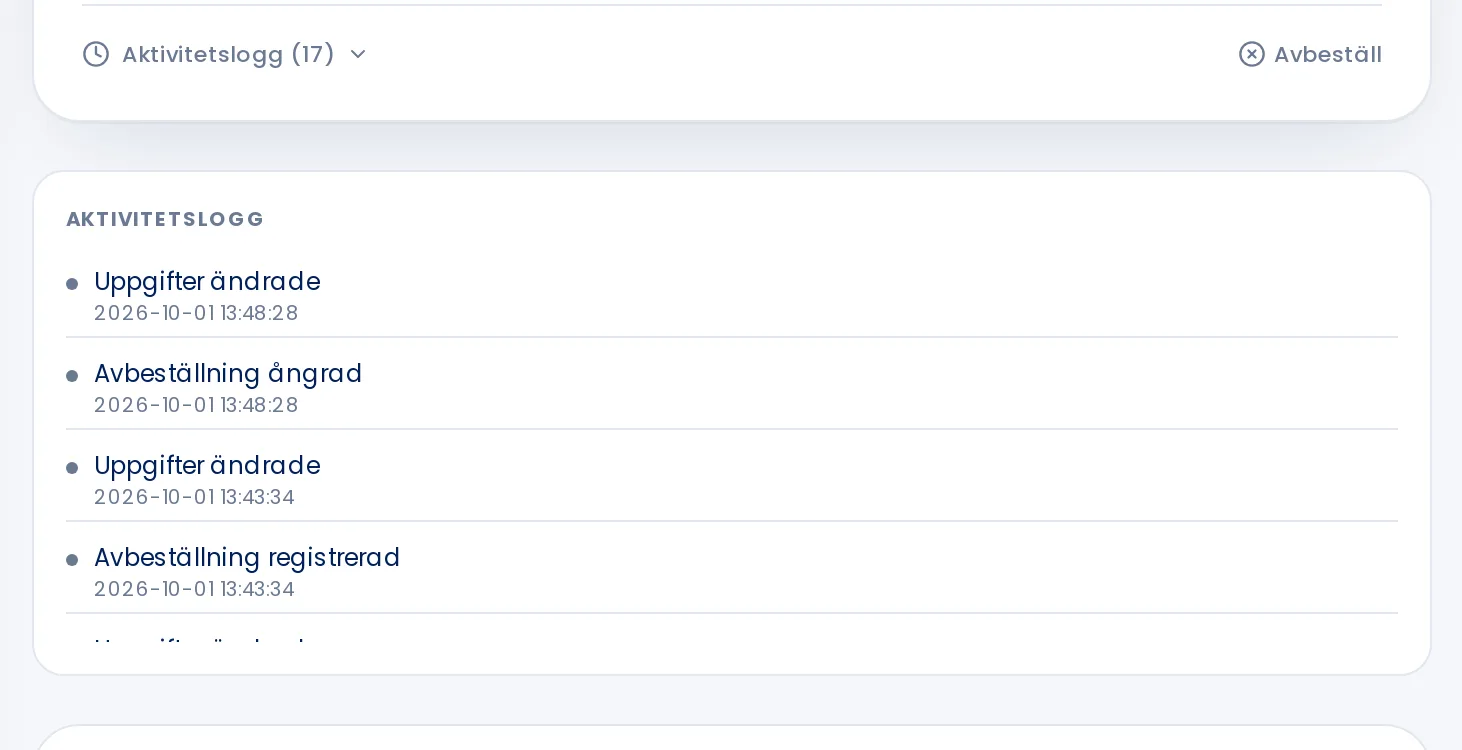
Click Activity log at the bottom of the panel to see what has happened with the service — for example when it was created, when the password was changed, or when the plan was switched.